

Turn your data into insight. Let's start with a 40-hour Tableau proof-of-concept for $2,500. Send your brief →
Opening Granola AI for the first time feels less like launching a traditional productivity tool and more like stepping into a quiet assistant that listens in the background. Granola positions itself as an AI powered meeting companion that transcribes, summarizes, and organizes conversations automatically. It is aimed at people who spend a lot of time in meetings but prefer not to take manual notes.
What stands out early is how minimal the interaction model is. Instead of forcing a new workflow, it runs alongside your existing meeting tools and generates structured notes after or during calls depending on setup. The immediate appeal is reduced cognitive load during meetings.
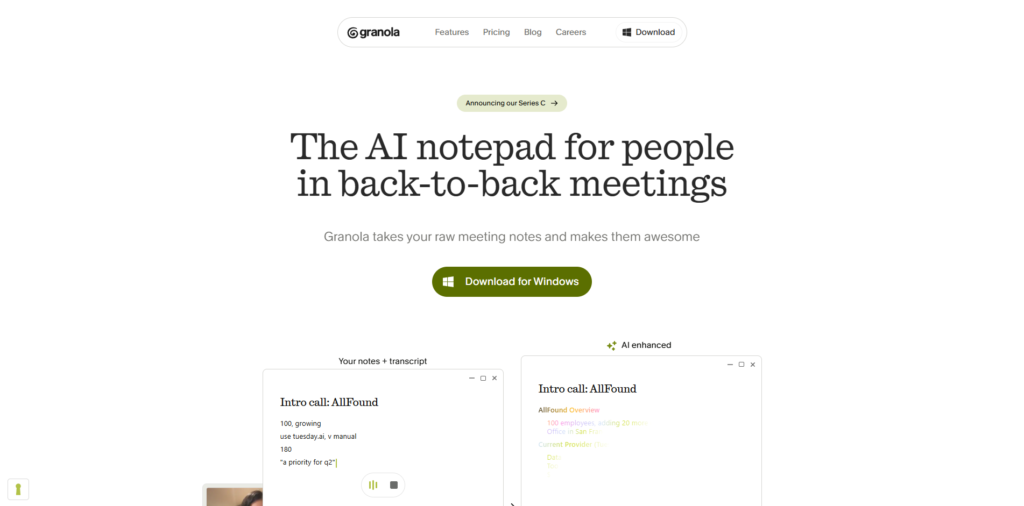
The landing page feels intentionally minimal. It avoids clutter and focuses on clarity.
What is immediately noticeable is the direct value proposition. The messaging is simple and easy to understand, which reduces any learning friction before signup.
The design leans modern SaaS. It uses clean typography, spacing, and restrained visual hierarchy. The overall feel is closer to productivity tools like Notion or Linear rather than heavy enterprise software.
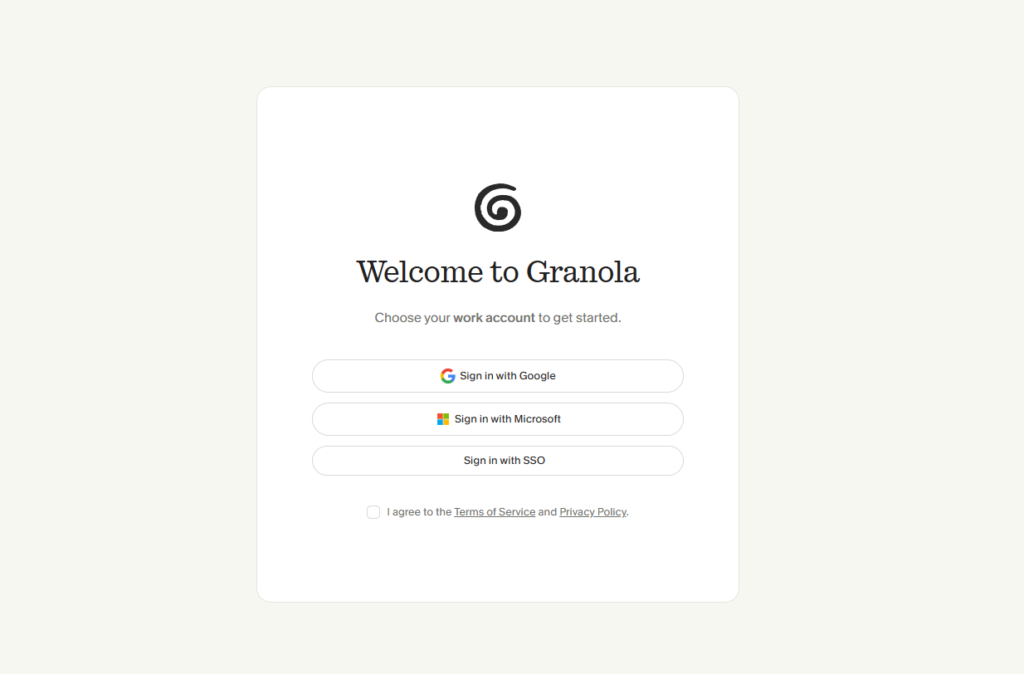
Signup is relatively frictionless. Users are typically given options such as Google authentication or email-based registration.
Once inside, onboarding is lightweight and action oriented rather than tutorial heavy. The system generally guides you through:
Setup time is usually short unless permission configuration requires extra steps.
A notable design choice is that onboarding does not try to explain every feature. Instead, it relies on usage driven discovery.
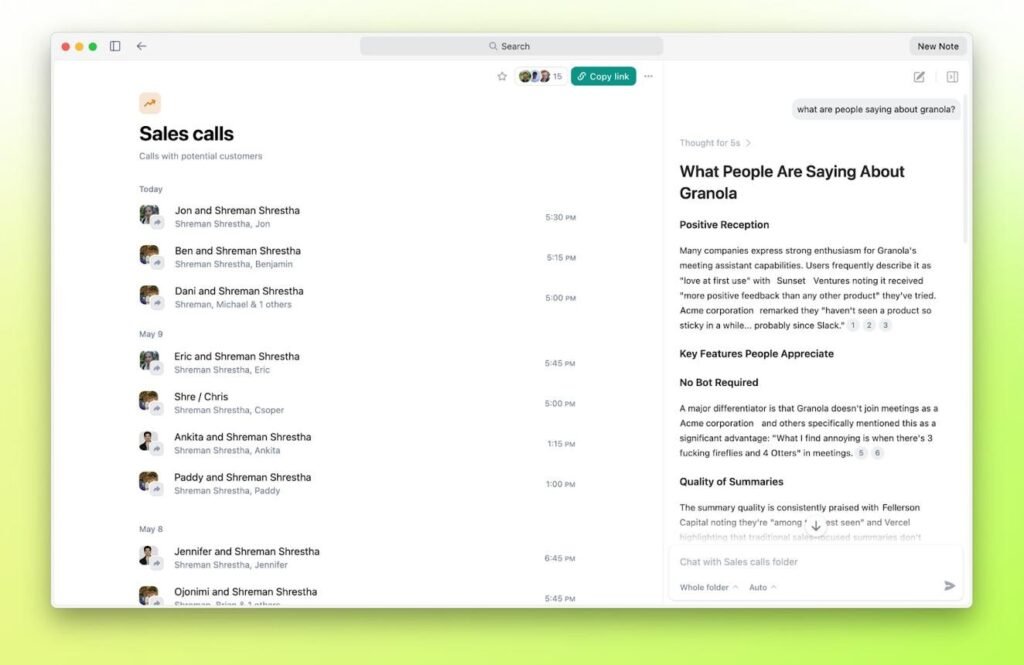
The dashboard is centered around meetings rather than navigation complexity.
Typical layout includes:
Navigation is intentionally minimal. There are few secondary menus, which reduces cognitive overhead.
From an interaction perspective, the experience feels fast. Selecting a meeting instantly opens structured notes without requiring additional processing steps.
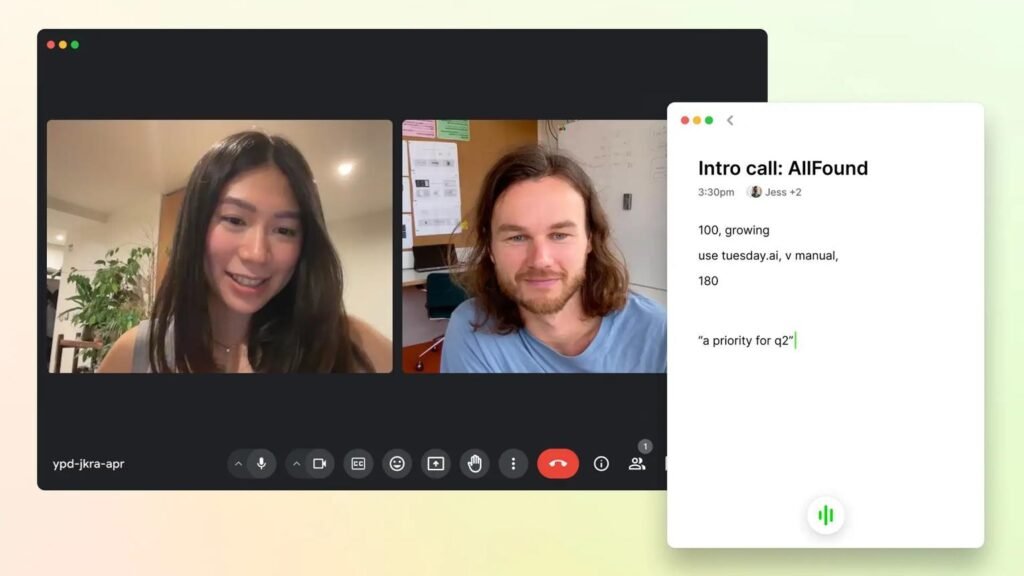
During meetings, the tool captures spoken content and converts it into structured notes.
Output is generally organized into:
The main value is reduction of manual note taking effort.
Summaries are concise and focused on key information. They tend to avoid unnecessary elaboration.
In practical use, they are readable and often close to usable without heavy editing, although occasional refinement may still be needed depending on meeting complexity.
Search across meetings allows users to retrieve past discussions quickly.
This effectively turns meeting history into a searchable knowledge base. It is useful for:
From a UX perspective, Granola emphasizes restraint and content priority.
Key observations:
The design suggests a shift toward ambient AI tools where intelligence operates in the background rather than demanding attention.
The exact stack is not publicly detailed, but it likely follows a modern SaaS architecture.
This type of architecture would support real time audio processing and scalable note generation.
Granola appears to be developed by a team focused on improving meeting productivity and knowledge capture.
Their approach suggests a narrow product focus rather than expanding into multiple unrelated workflows. This is often seen in newer AI productivity startups that prioritize depth over feature breadth.
A notable aspect is the emphasis on reducing friction rather than adding complexity, which is somewhat consistent across the product.
Granola AI is likely most useful for individuals who spend significant time in meetings such as founders, virtual assistants, customer success roles, and account managers.
It is probably worth exploring if the goal is to reduce manual note taking and maintain a searchable archive of conversations.
Its main differentiator is not featuring volume but workflow invisibility. The system tries to stay in the background while still producing structured output.
As with many AI transcription systems, output quality may vary depending on audio clarity and meeting structure, so light editing may still be necessary.