


Turn your data into insight. Let's start with a 40-hour Tableau proof-of-concept for $2,500. Send your brief →
Opening Lexica Art for the first time feels less like using a typical AI tool and more like browsing a visual search engine built entirely around creativity. It combines two things seamlessly: generating images from text prompts and exploring a massive library of AI-generated visuals.
What makes it immediately interesting is how it removes the “blank canvas” problem. Instead of starting from scratch, you’re surrounded by millions of images you can study, remix, and regenerate. As a first-time user, it feels more like learning by exploration than trial and error, which is a big advantage in AI art tools.
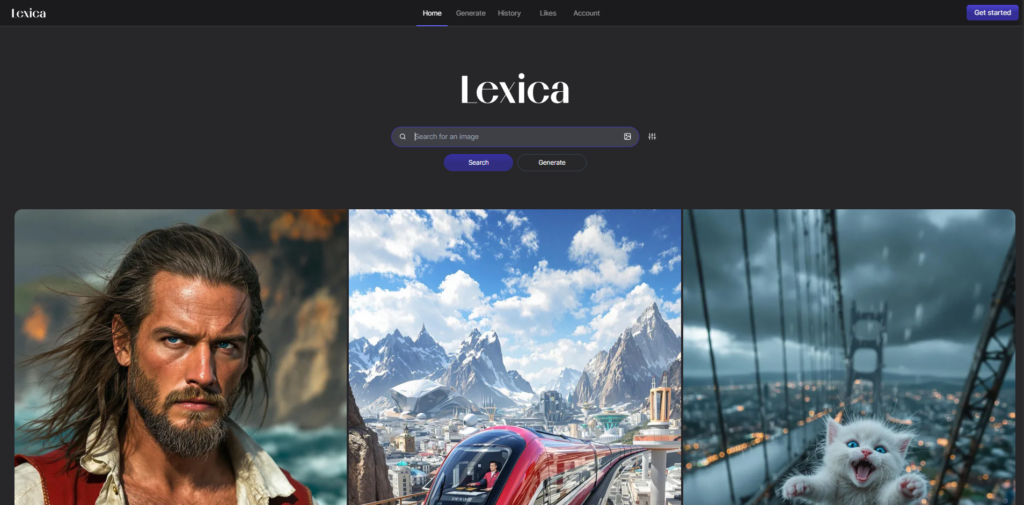
The landing page immediately communicates its purpose through visuals instead of explanation. The first thing you see is a dense grid of AI-generated images, which acts as both demonstration and interface preview.
What stood out immediately is how self-explanatory the product feels. There is no need for long onboarding text because the interface itself shows what the system does.
The design is minimal and visually driven. The focus is entirely on images, with typography and UI elements playing a secondary role. This reinforces the idea that the product is centered on discovery rather than instruction.
You can explore Lexica Art here.
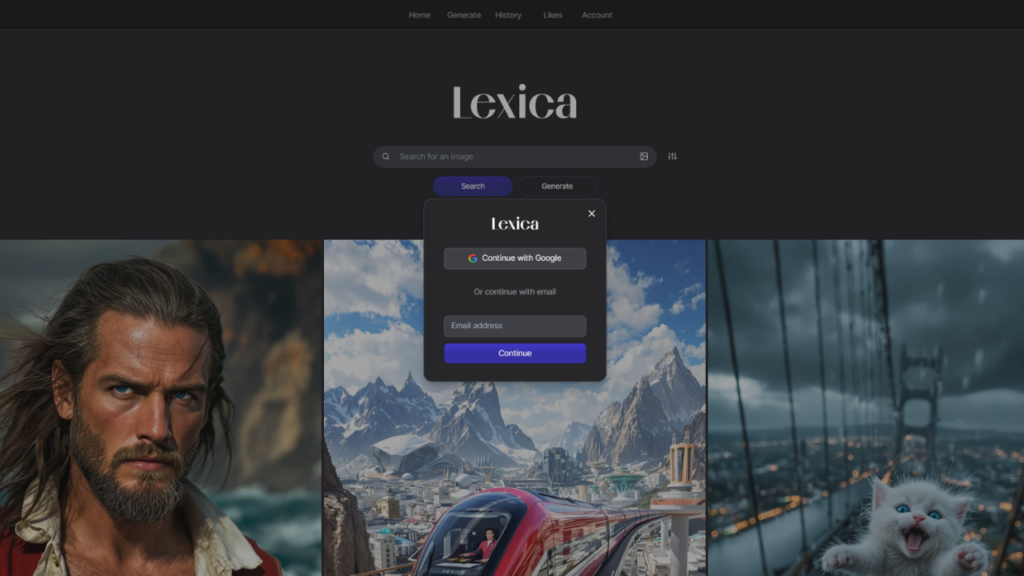
The onboarding process is extremely lightweight. After signing up using email or Google, I was immediately placed into the main interface without any guided tutorial flow.
There is no structured onboarding sequence, which actually works in favor of the product. The interface is intuitive enough that I could immediately start typing prompts or browsing existing images.
From a hands-on perspective, the only learning curve is understanding how prompts influence output. However, this is mitigated by the fact that every image in the platform exposes its underlying prompt, allowing users to learn by observation rather than instruction.
The main interface revolves around a continuously scrollable image grid. As I interacted with it, I naturally shifted between browsing and reverse engineering.
Each image can be opened to reveal its full prompt, along with generation parameters. This transforms the platform from a simple gallery into a learning environment where every output becomes a reference point.
When I experimented with clicking into images and modifying prompts, the workflow felt highly iterative. Instead of starting from zero, I was constantly building on existing ideas, which significantly accelerates the creative process.
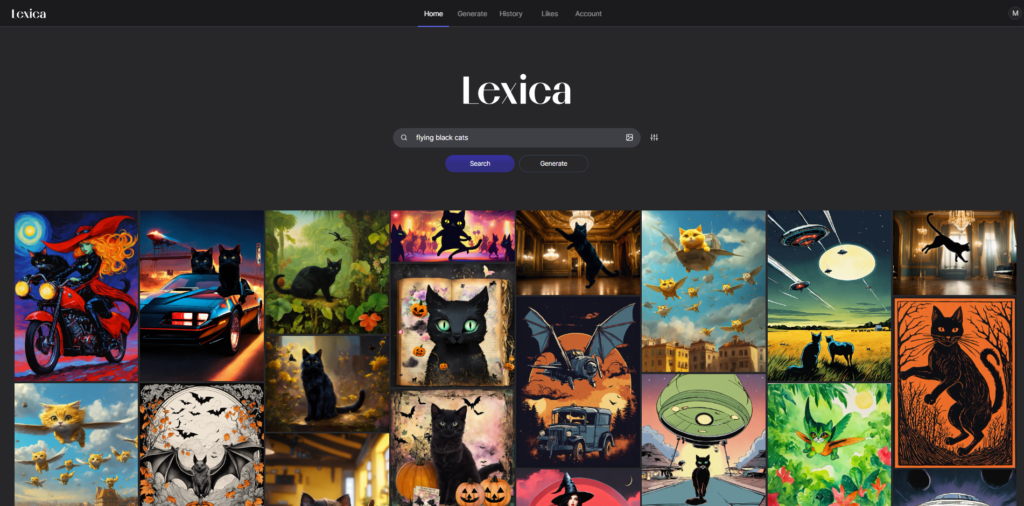
The core feature is prompt-based image generation. I entered descriptive prompts and observed how quickly the system generated visually polished outputs. The results were especially strong for conceptual art, thumbnails, and stylized visuals where clarity of prompt directly influenced composition.
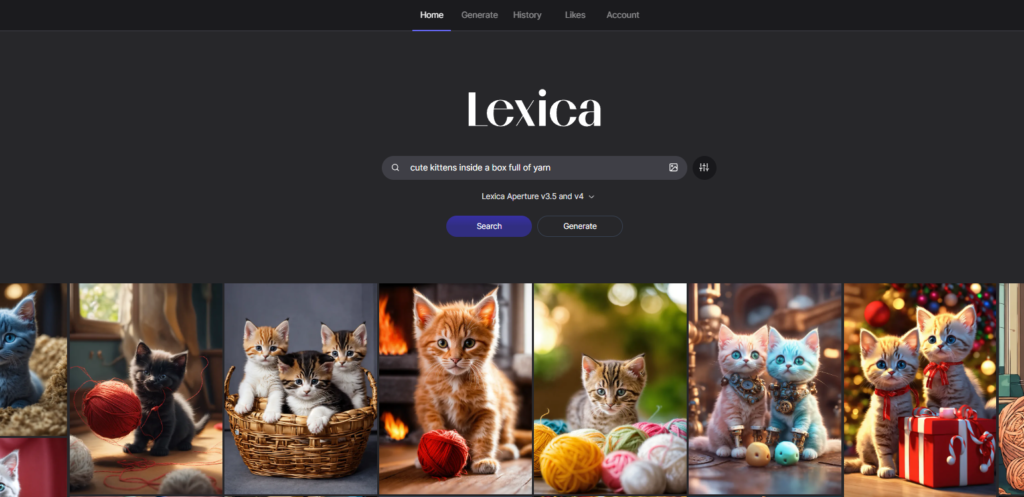
What makes the system more powerful is the integrated image and prompt library. Instead of generating blindly, I could search through millions of existing images and inspect the exact prompts behind them. This turns the platform into a practical reference system for understanding what types of prompts produce specific visual outcomes.
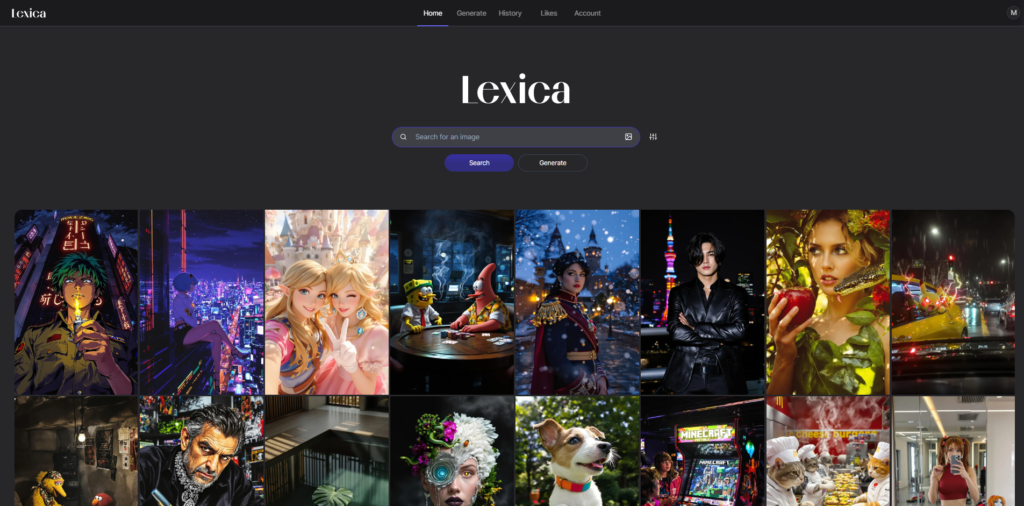
As I continued using it, the remix workflow became the most valuable part. I would take an existing image, adjust its prompt slightly, and regenerate variations. This created a loop of exploration where creation is constantly informed by existing outputs.
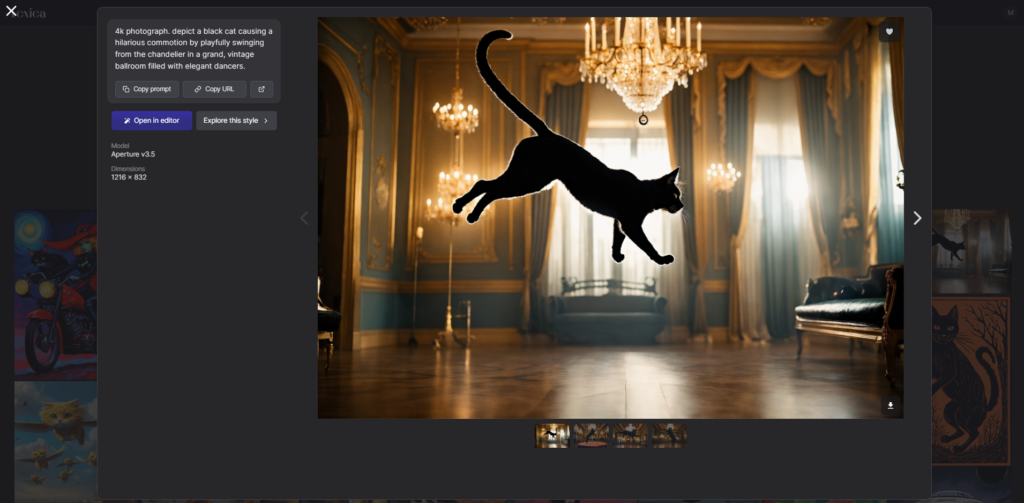
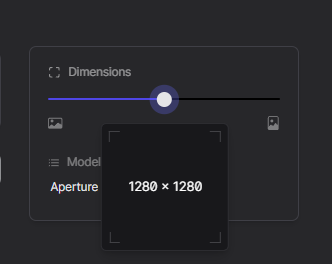
The customization options are relatively simple but effective. Adjusting style, aspect ratio, and prompt structure provides enough control for most use cases without overwhelming the interface.
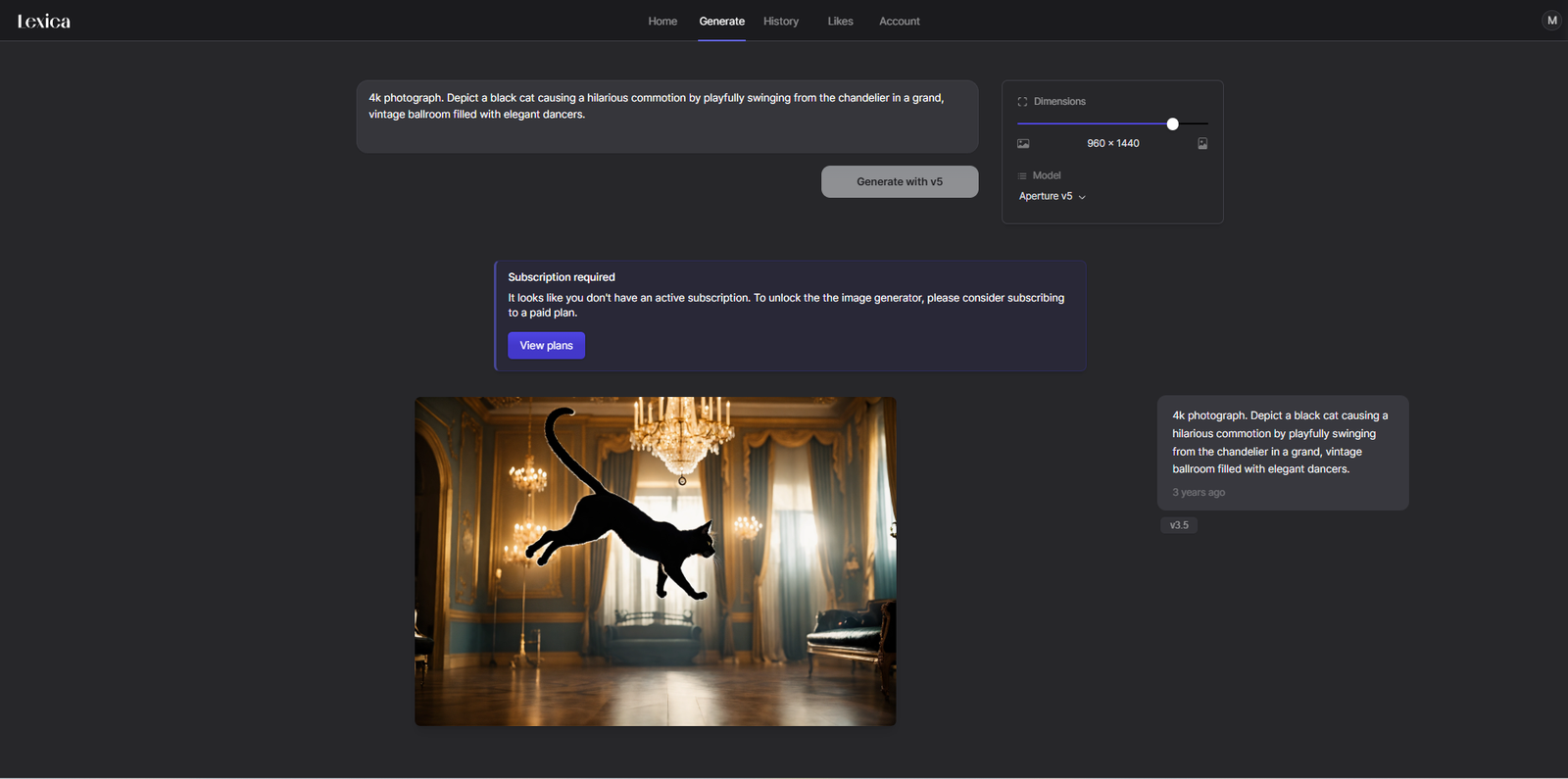
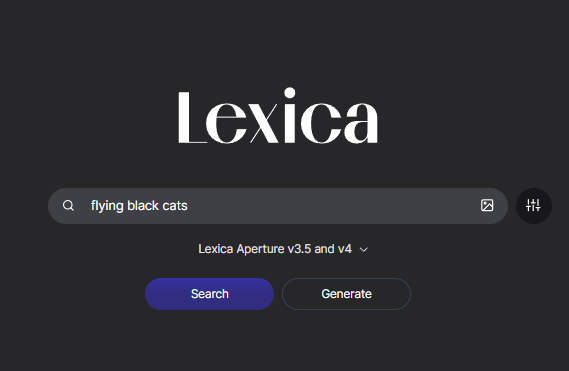
From a UX perspective, Lexica is built entirely around discovery-driven interaction. Instead of guiding users through structured creation flows, it exposes them to a large dataset of outputs and allows them to navigate through visual patterns.
For designers, this makes it an effective tool for inspiration, rapid ideation, and mood board development. The ability to directly access prompts behind images is especially valuable for learning how composition and style are constructed in practice.
For developers, the interesting aspect is how the product merges search engine behavior with generative AI. It functions simultaneously as a database and a creation tool, which creates a unique hybrid interaction model.
The platform is likely built using React or similar frontend frameworks to support fast rendering of large image grids.
Backend systems are likely powered by scalable cloud infrastructure combined with AI image generation models based on Stable Diffusion and custom fine-tuned variants.
The system is designed to handle both high-volume search queries and real-time image generation, requiring optimized storage, indexing, and GPU-based processing pipeline
Lexica was created by Sharif Shameem and has evolved into one of the most widely used AI image discovery platforms.
What makes the product distinct is its dual identity. It is not only an image generator but also a searchable database of AI-generated visuals. This combination has helped it establish a strong position in the AI art ecosystem by bridging inspiration and creation in one environment.
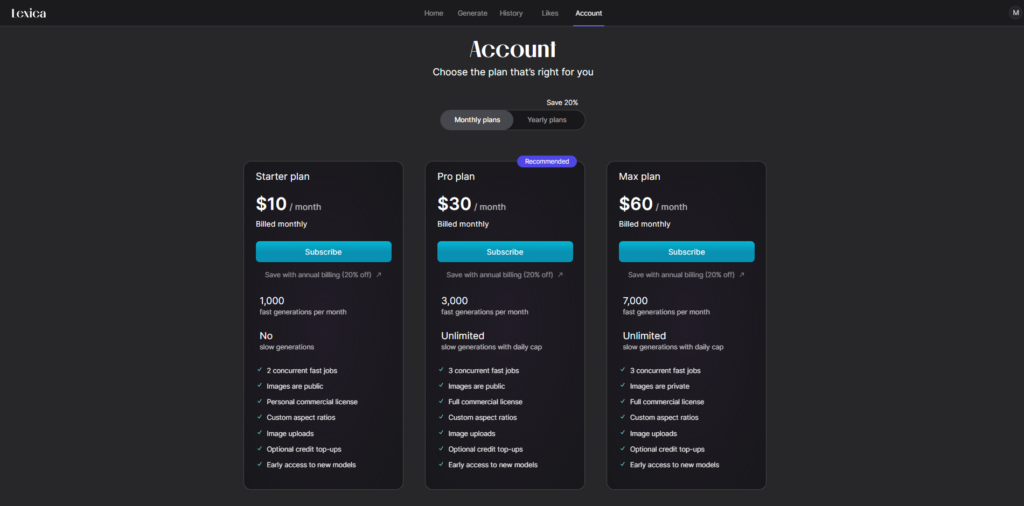
Lexica operate on a freemium model with optional paid access for higher usage and faster generation capabilities. The free tier allows users to explore the platform, search images, and experiment with prompt-based generation at a limited scale.
Paid plans unlock additional generation capacity, faster processing, and expanded usage limits. The structure is primarily designed around usage intensity rather than feature gating, meaning users pay more as they generate and explore more heavily.
The lack of overly complex tier segmentation suggests a product-led growth approach. The goal is to let users naturally engage with the platform through discovery first, then introduce monetization once usage becomes frequent. This aligns strongly with how AI creative tools typically scale, where value increases with experimentation volume.
Using Lexica Art feels like working inside a visual knowledge system rather than a traditional AI generator. It is best suited for designers, content creators, and anyone who relies on visual ideation.
The strongest aspect is how it removes friction from the creative process. Instead of starting with uncertainty, you start with a massive dataset of proven outputs and build from there.
The main limitation is that it prioritizes exploration over structured creative control. However, for most ideation workflows, this is actually a strength rather than a weakness.
Overall, Lexica succeeds by combining search and generation into a single experience, making it both a creative tool and a learning environment for AI art.

The Technology newsletter is a weekly digest of tech reviews, columns and headlines from Media Editor Mariebeth De Leus and RoadMap Founder Hoofar Pourzand.
Write to Hoofar at hpourzand@tryroadmap.com or Follow him here.