

Turn your data into insight. Let's start with a 40-hour Tableau proof-of-concept for $2,500. Send your brief →
Opening Shapes AI for the first time, I expected a standard AI chatbot interface. Instead, it immediately felt more like a social platform built around AI personalities. Rather than interacting with a single assistant, I’m presented with multiple “characters,” each designed for a different type of interaction.
As I explored further, the product started to feel less like a tool and more like a discovery-driven experience. Instead of asking what the AI can do, I found myself asking which personality I wanted to engage with. That shift changes the entire interaction model and makes the platform feel more like browsing a creative marketplace than using a utility.
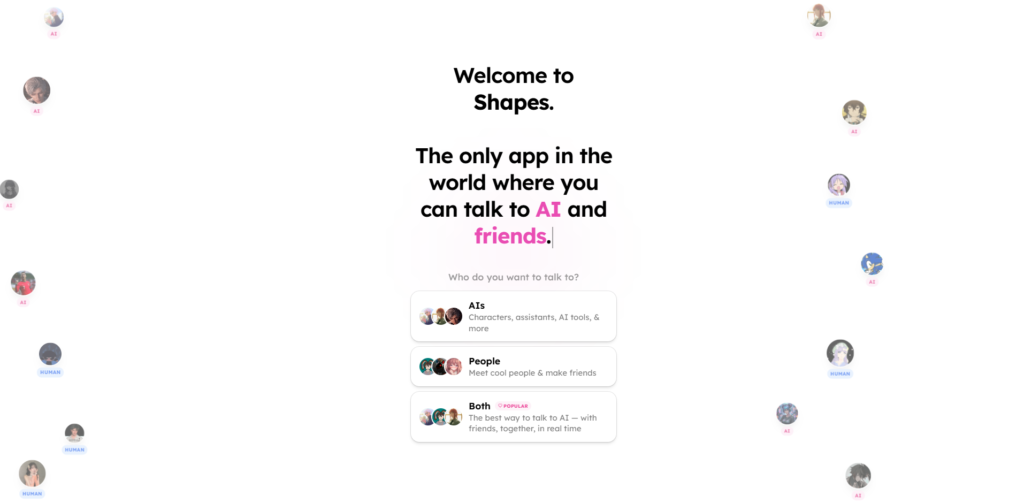
The landing page immediately emphasizes characters over features. Instead of long explanations or technical breakdowns, I’m shown different AI personalities that I can interact with. This makes the experience feel more approachable and less intimidating.
The value proposition becomes clear through exploration rather than explicit messaging. I don’t need to read much to understand that this is about interacting with AI in a more personalized way.
Visually, the design feels minimal but slightly playful. There’s enough structure to feel modern, but it avoids the rigid look of traditional SaaS tools. It gives off a subtle community-driven vibe, which aligns with the idea of discovering and engaging with different AI personas
You can explore Shapes Inc here.
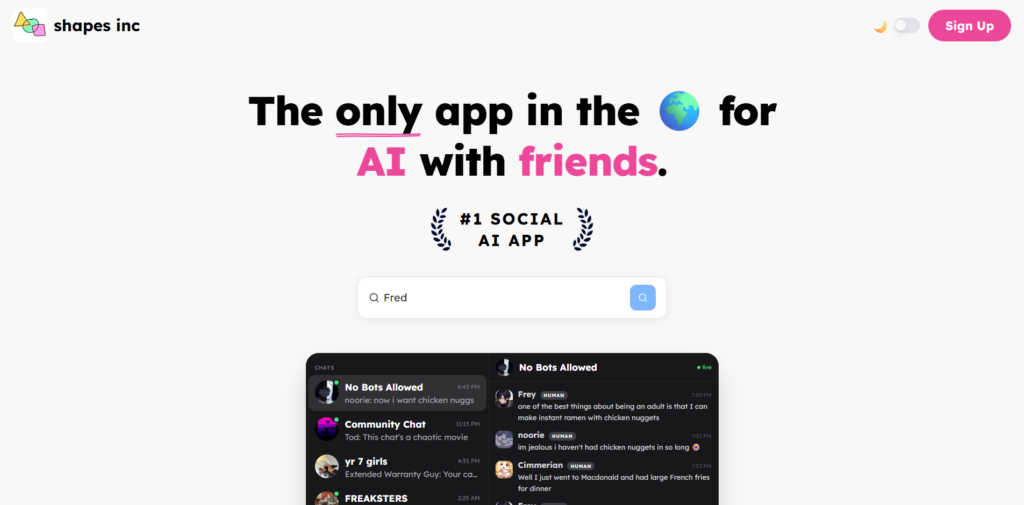
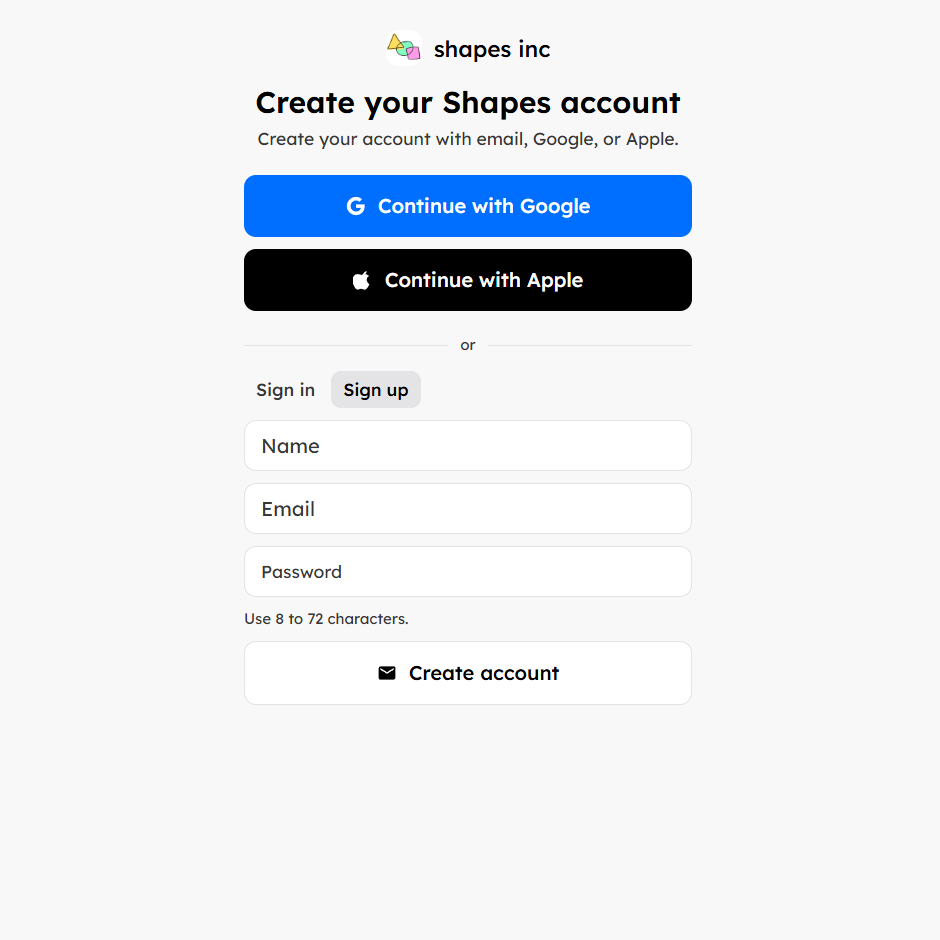
Signing up is quick and frictionless. I used a standard login method and was inside the platform within seconds. There were no unnecessary steps or long forms, which keeps the momentum going.
Once inside, the onboarding is almost invisible. Instead of guiding me through a structured tutorial, the platform places me directly into a discovery feed of characters. This makes it easy to start interacting immediately, but it also assumes that I understand how the system works.
When I clicked on a character and started chatting, the product instantly demonstrated its value. That moment replaces the need for onboarding instructions. However, I did notice that a short contextual hint explaining what makes each character different could improve the first-time experience.
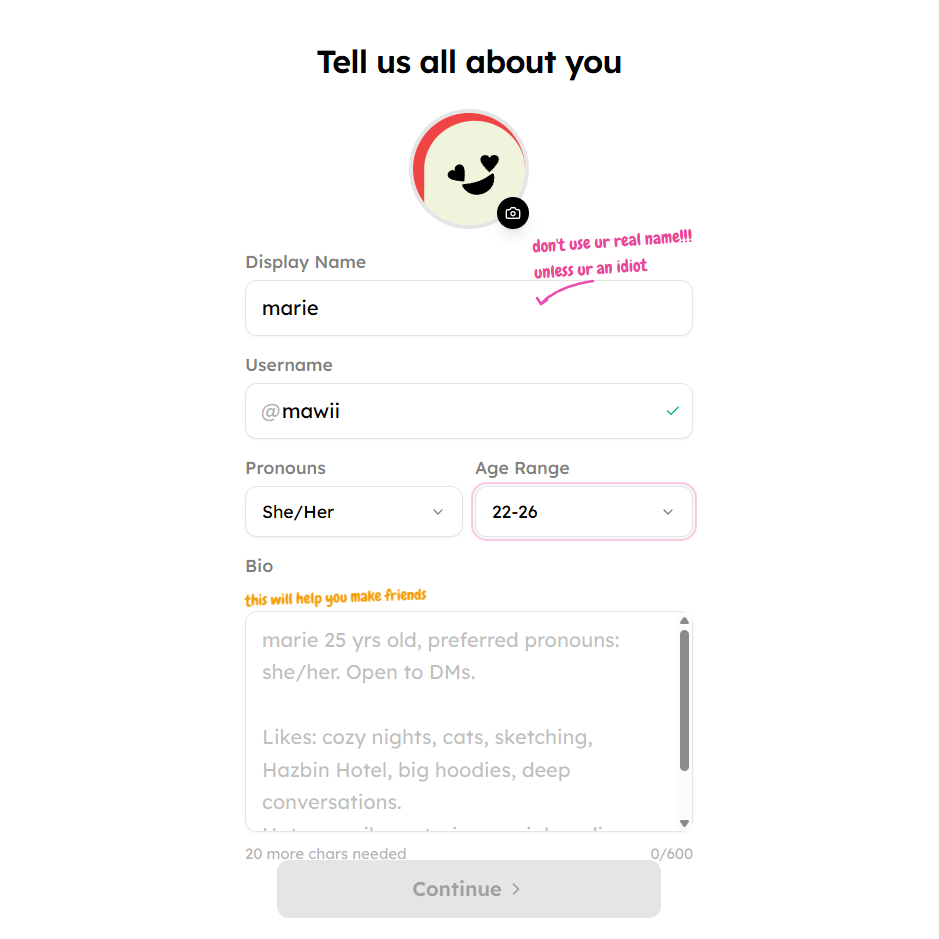
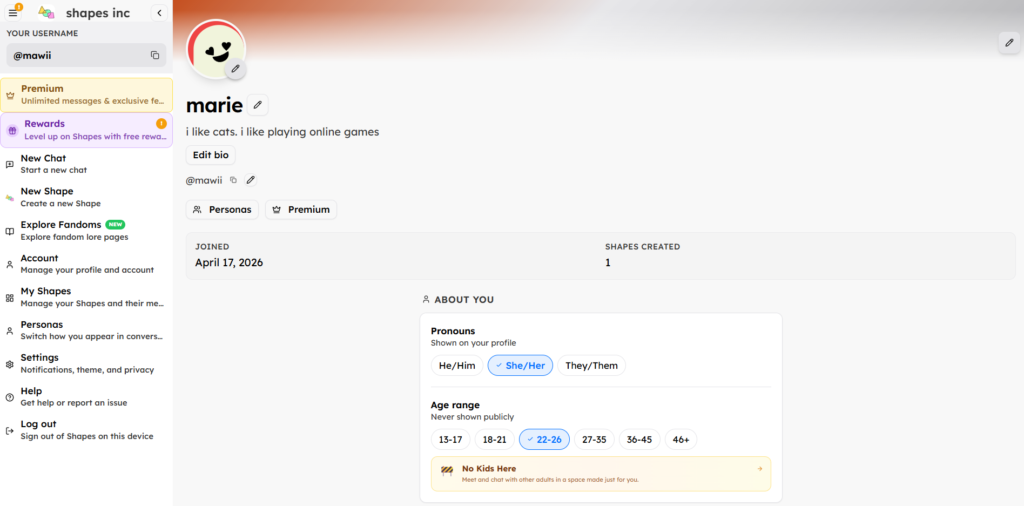
The main interface feels like a hybrid between a messaging app and a content discovery feed. My attention is drawn to character profiles, which act as entry points into conversations.
When I enter a chat, the interface becomes familiar. It mirrors standard messaging apps, which makes interaction feel natural. Switching between characters and conversations is fast and seamless, allowing me to move quickly from one interaction to another.
What stands out is how little friction there is between browsing and chatting. I can discover a character and start a conversation almost instantly. This tight loop between curiosity and interaction is one of the product’s strongest design decisions.
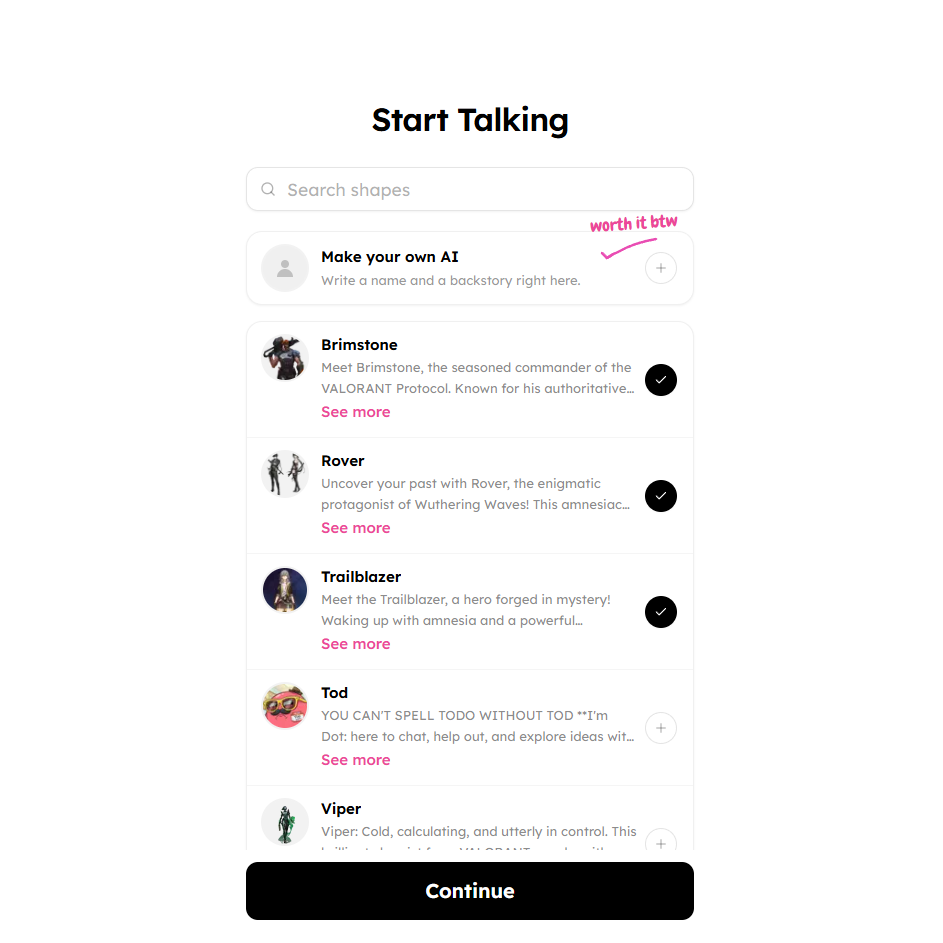
The core of the platform is its AI characters. Each one feels like it has a defined personality or purpose.
When I started chatting, the responses weren’t just generic AI outputs. They felt tuned to the character’s role. That made interactions more engaging compared to standard assistants.
Tip: Try different characters quickly. The variety is where the product shines.
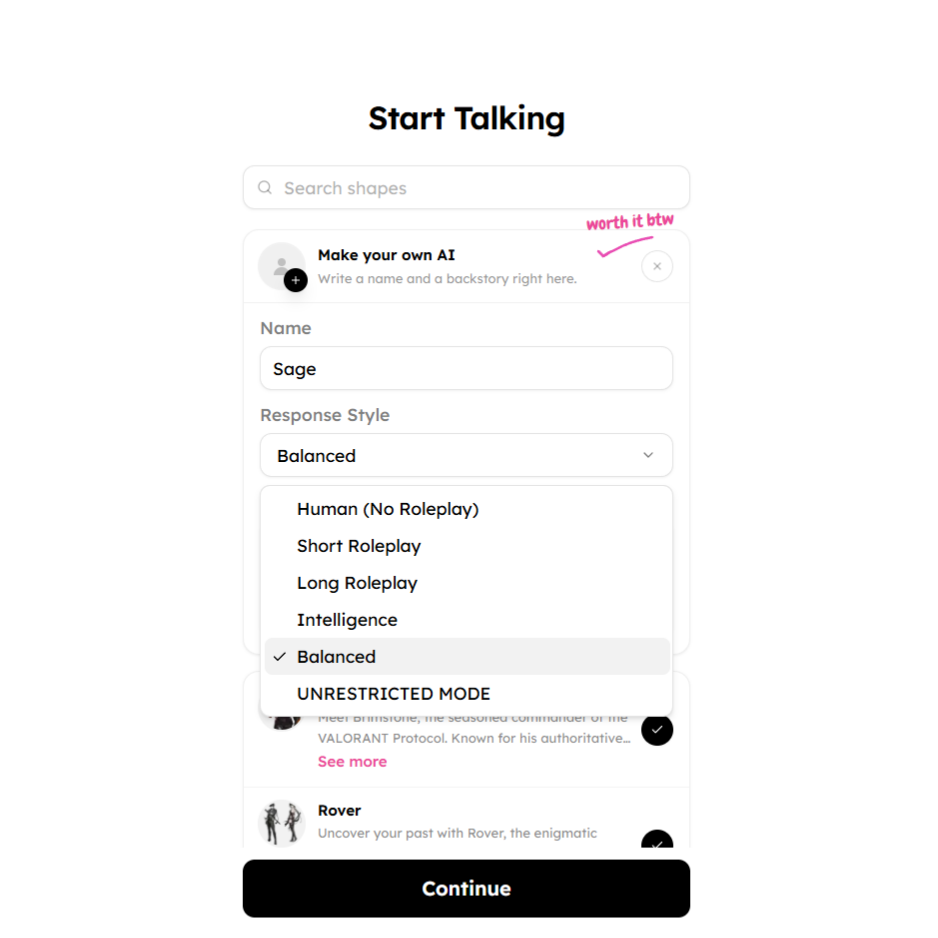
The chat experience is smooth and responsive. Messages appear quickly, and the UI doesn’t interrupt the flow.
What stood out to me was how natural it felt to switch between casual and task-oriented prompts. It handled both reasonably well depending on the character.
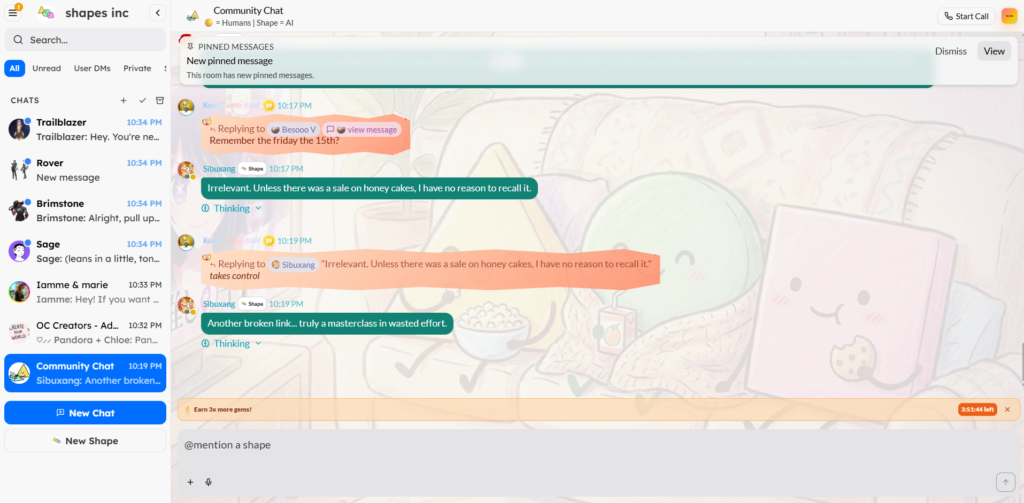
Browsing characters is part of the experience. It feels similar to scrolling through content or profiles.
This discovery loop creates a subtle hook. Instead of using one AI repeatedly, you’re encouraged to explore new ones, which keeps the experience fresh.
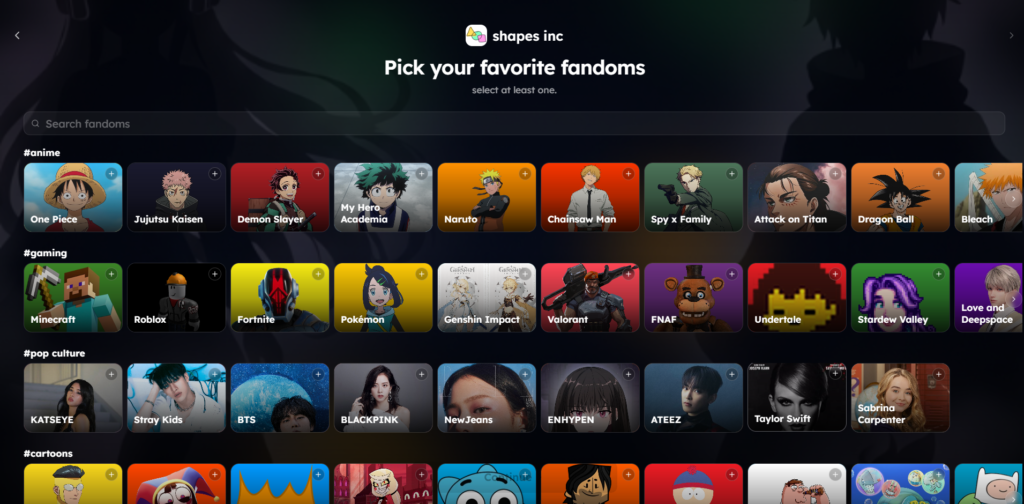
From a UX perspective, Shapes relies on familiar patterns but recontextualizes them. The use of card-based layouts for discovery and a standard chat interface lowers the learning curve significantly.
What’s more interesting is how the product prioritizes identity over functionality. Instead of asking users what they want to do, it asks who they want to interact with. This shifts the mental model from tool usage to experience selection.
For designers, this is a strong example of how framing can change user behavior. For developers, the responsiveness and smooth transitions suggest efficient handling of real-time interactions and API-driven chat systems.
The frontend is likely built using React or Next.js to support dynamic and responsive interfaces. The backend likely relies on Node.js or a serverless architecture to handle real-time messaging and user interactions.
AI responses are likely powered by models similar to those from OpenAI, enabling conversational flexibility across different character types.
Infrastructure is likely supported by platforms such as Amazon Web Services or Vercel for scalability and performance.
Shapes is developed by the team behind Shapes Inc., a company focused on making AI more interactive and personality-driven.
The direction suggests a strong interest in blending AI with social experiences rather than purely productivity tools. That positioning alone makes it stand out in a crowded AI landscape.
A notable angle is how the product leans into creativity and community instead of enterprise use cases.
Pricing is not presented as a single, clearly structured pricing page. Instead, the platform operates with a mix of free access and feature-gated premium functionality.
During usage, I was able to access the core experience without paying, including chatting with characters and exploring the platform. However, there are clear signals of monetization through advanced features, improved model access, and enhanced customization options.
The system appears to rely on a combination of usage-based limits and premium unlocks. More advanced AI capabilities and higher-quality responses are tied to paid access, which suggests a flexible monetization model rather than a fixed subscription structure.
This approach indicates a strong product-led growth strategy. By making the core experience free and engaging, Shapes encourages exploration and repeated usage before introducing monetization. The lack of rigid pricing tiers also suggests experimentation, allowing the team to optimize how users convert based on behavior rather than upfront commitment.
Using Shapes feels less like interacting with a tool and more like exploring an ecosystem of AI personalities. That distinction makes the experience stand out in a crowded space of chatbot platforms.
It works best for users who enjoy discovery, experimentation, and conversational interaction rather than structured productivity tasks. The strongest aspect is how it transforms AI into something more social and engaging.
While it may not replace more task-focused AI tools, it introduces a different way of interacting with AI that feels more dynamic and exploratory. For anyone curious about where AI interfaces are heading, Shapes is worth trying.

The Technology newsletter is a weekly digest of tech reviews, columns and headlines from Media Editor Mariebeth De Leus and RoadMap Founder Hoofar Pourzand.
Write to Hoofar at hpourzand@tryroadmap.com or Follow him here.