

Turn your data into insight. Let's start with a 40-hour Tableau proof-of-concept for $2,500. Send your brief →
Jace AI is positioned as an AI executive assistant that lives directly inside your inbox. Instead of being another chatbot you open separately, it integrates with your email and actively helps you draft replies, organize conversations, and automate workflows behind the scenes.
From the moment I explored it, it felt less like a “tool” and more like an operator that sits between you and your inbox. The core idea is simple but powerful: spend seconds reviewing emails instead of minutes writing them. According to the platform, it can reduce email time by up to 90% by handling drafting, context gathering, and prioritization automatically.

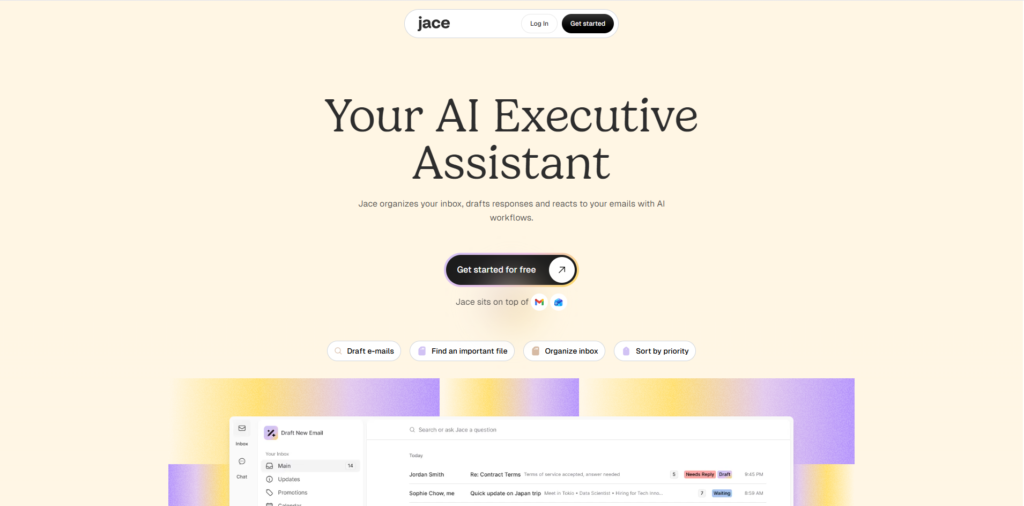
The landing page immediately focuses on outcomes rather than features. The messaging is direct and benefit-driven, emphasizing time saved and reduced email workload.
As I scanned the page, the positioning became clear within seconds. This is a product built for professionals who deal with high email volume and want to reduce time spent on repetitive communication.
The design feels clean and modern, with simple visuals supporting the idea of automation. There is very little distraction, and the structure guides attention toward the core promise of letting AI handle email workflows behind the scenes.
You can explore Jace AI here.
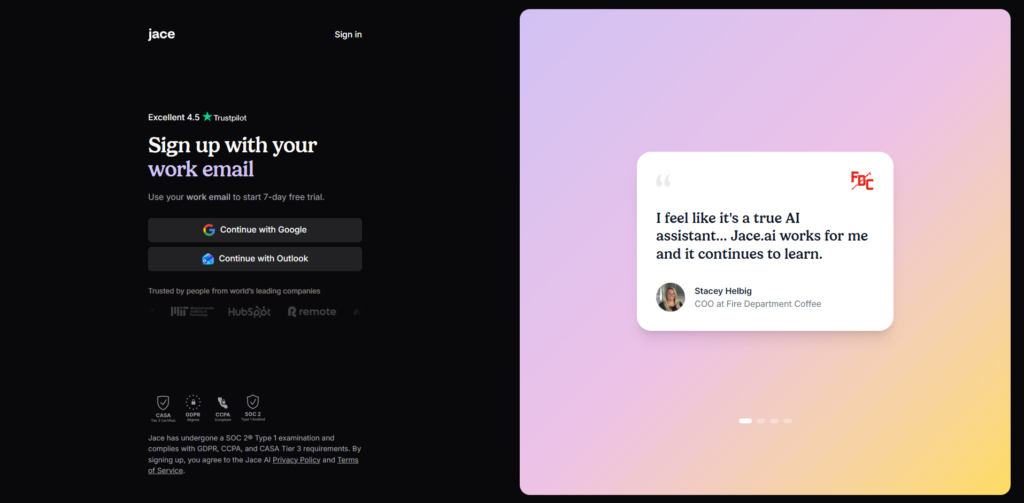
The onboarding flow is centered around connecting your inbox. I linked an email account, granted permissions, and allowed the system to analyze existing conversations. The process itself is fast and takes only a few minutes to complete.
What stood out is how quickly the product moves toward delivering value. There are no tutorials or manual configuration steps. Instead, the system learns from existing email history and begins generating drafts almost immediately.
The main friction point is not usability but trust. Granting full inbox access requires a level of confidence that may slow down first-time users. However, once connected, the transition from setup to actual usage feels almost instant.
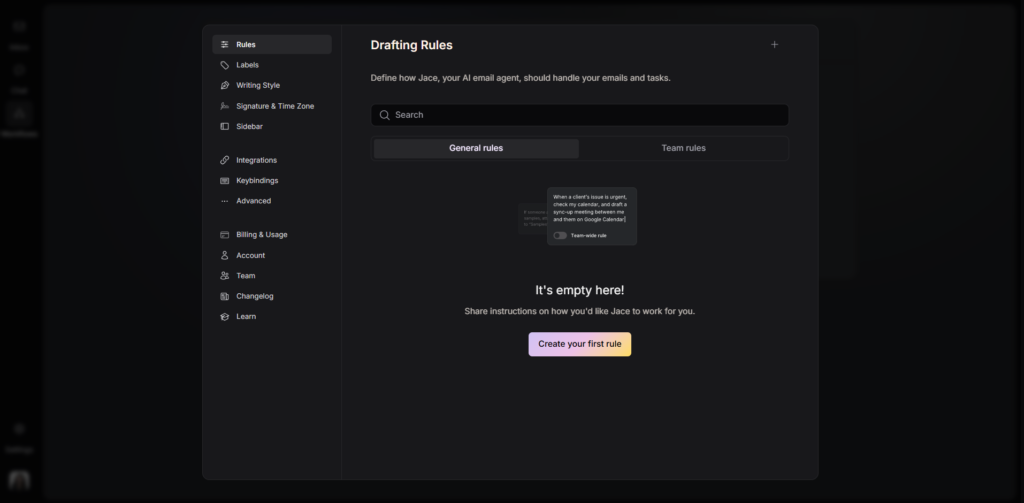
Jace does not present a traditional dashboard. The primary interface is the inbox itself. As I navigated through emails, I started noticing AI-generated drafts appearing directly within threads.
Instead of switching between tools, everything happens in context. Emails are automatically categorized by priority and type, which changes how I process incoming messages. Rather than scanning subject lines, I rely on the system’s interpretation of importance.
This approach reduces friction significantly, but it also makes the product feel less visible. The value is embedded into the workflow rather than presented through a standalone interface.
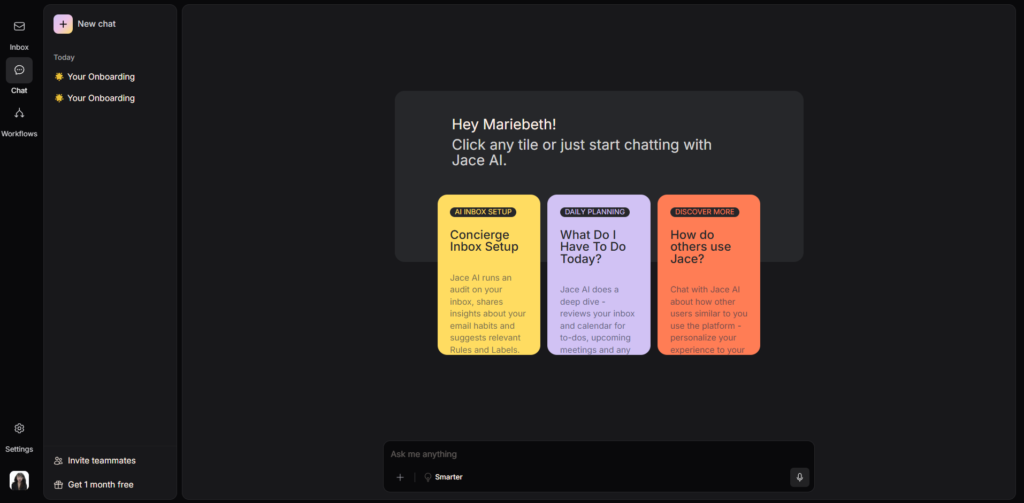
The first feature I tested was AI-generated email drafting. When I opened a thread, the system had already prepared a reply based on the full conversation context. It considered previous messages, tone, and even attachments. The output felt surprisingly aligned with how I would normally write, which reduced the need for edits.
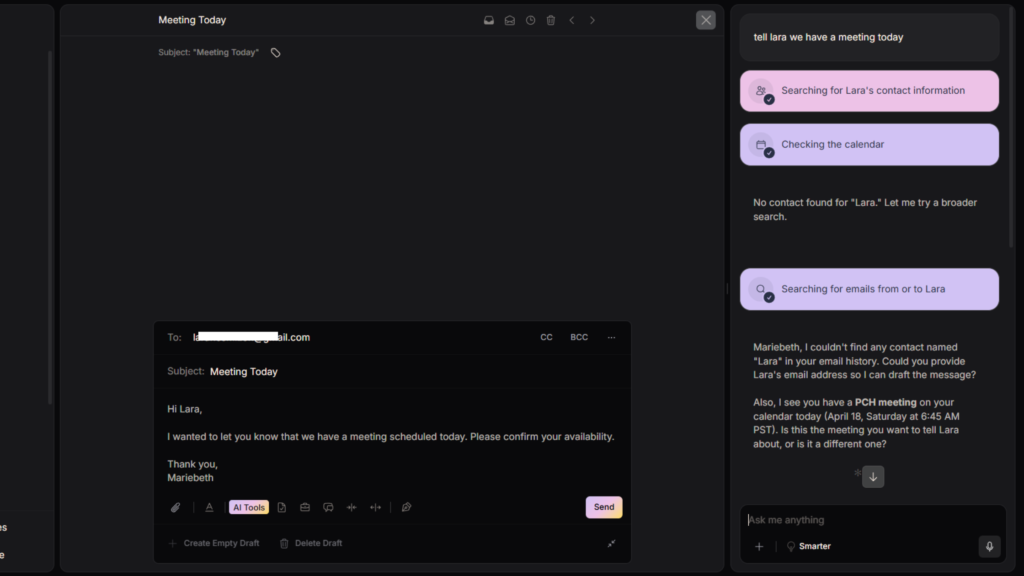
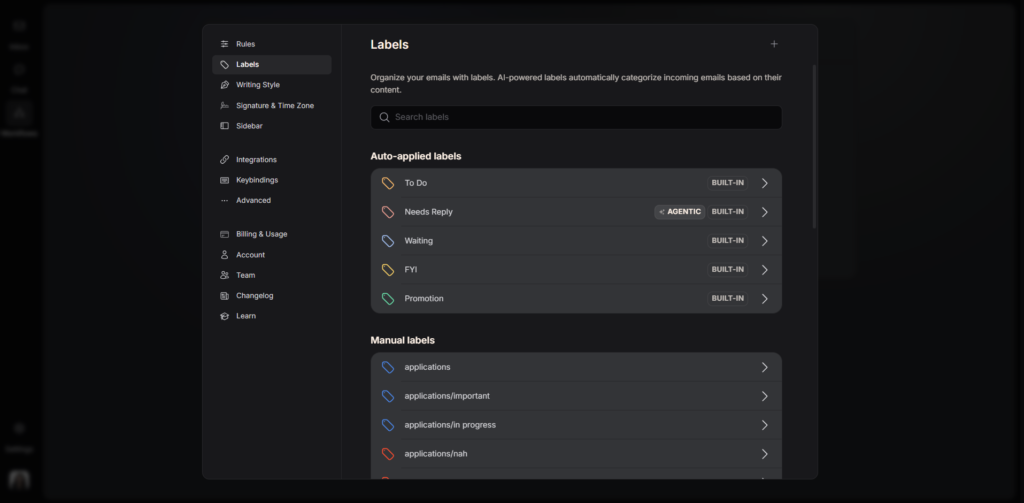
As I continued using it, I noticed how emails were automatically categorized. Instead of manually deciding what to prioritize, the system labeled messages based on urgency and context. This changed how I approached my inbox because I could immediately focus on what mattered most.
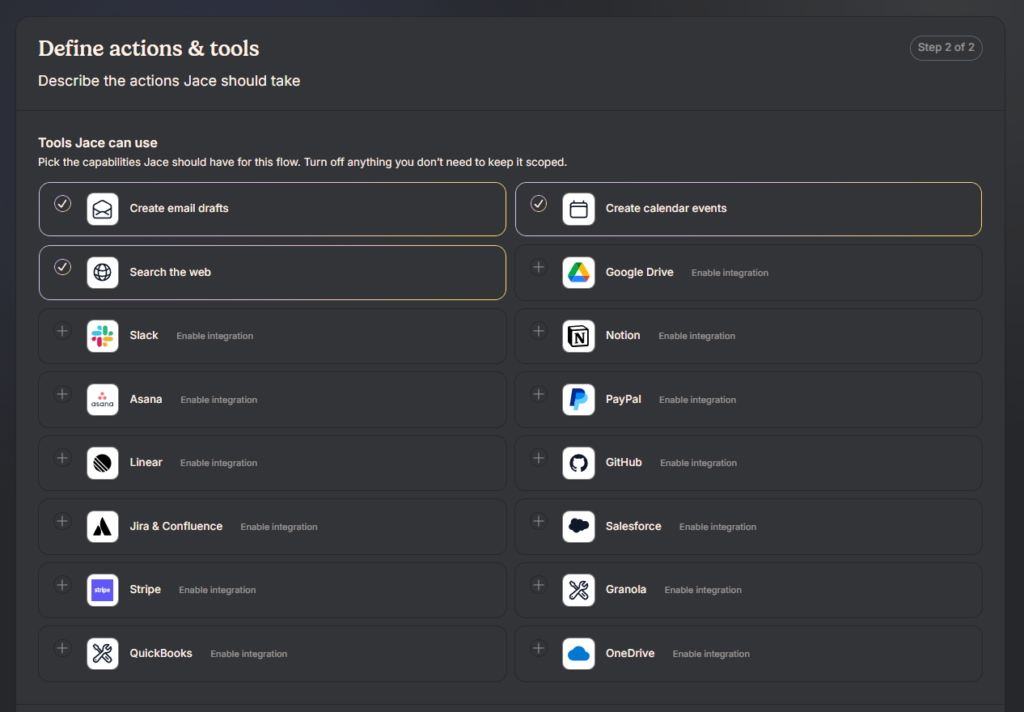
The workflow automation layer becomes more apparent over time. Actions such as adding recipients, triggering follow-ups, or organizing conversations happen without manual input. The inbox starts to feel less like a communication tool and more like an automated workflow system.
There are limitations, especially in edge cases where context is ambiguous. In those moments, manual review is still necessary. However, the overall experience consistently reduces repetitive work.
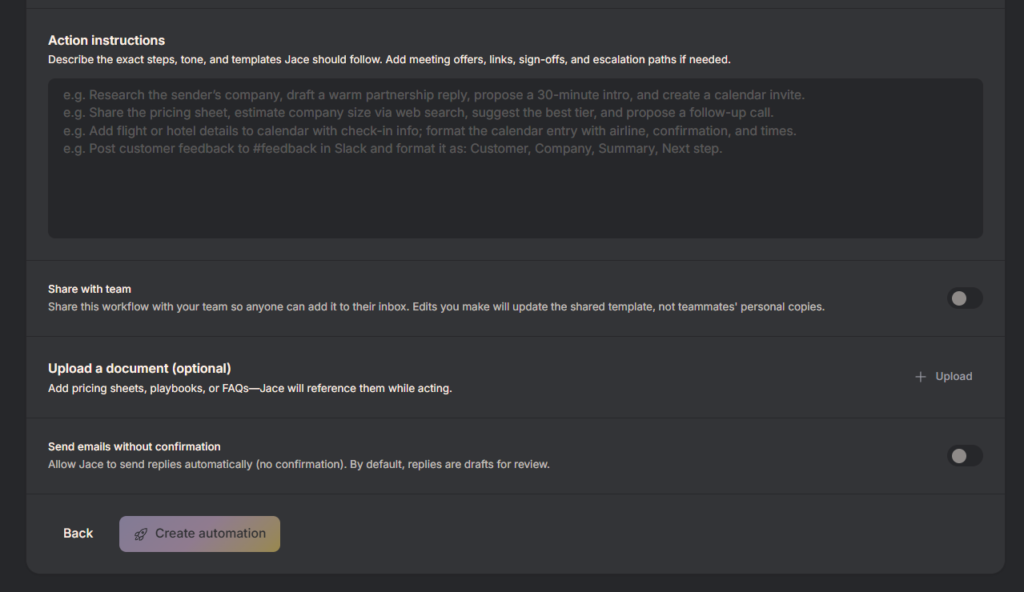
From a design perspective, Jace is built around what can be described as invisible UX. Instead of introducing a new interface, it embeds functionality directly into an existing environment.
This reduces cognitive load because users do not need to learn a new system. However, it also requires a high level of trust since most actions happen in the background.
For designers, this is a strong example of reducing interface surface area while increasing system intelligence. For developers, it highlights the complexity of integrating deeply with email systems while maintaining real-time performance and personalization.
Jace likely relies on frontend extensions or lightweight interfaces built with React to integrate with email clients. The backend is likely powered by Node.js or a serverless architecture to handle processing and automation logic.
Its AI capabilities are driven by large language models similar to those from OpenAI, enabling contextual drafting and summarization.
Given the sensitivity of email data, infrastructure is likely hosted on secure cloud platforms such as Amazon Web Services, with a strong focus on encryption and compliance.
Jace AI is developed by Zeta AI, Inc., a company focused on improving productivity through automation.
From the product direction, it is clear that the team is targeting professionals who rely heavily on email. The emphasis is not on adding features, but on replacing manual workflows with automated processes that operate continuously in the background.
Jace AI offers publicly available pricing structured around a subscription model combined with usage-based credits. The entry-level plan provides a set number of credits each month along with the ability to connect a limited number of inboxes and access recent email history.
As I reviewed the higher-tier plans, the main differences came from increased credit limits, expanded inbox connections, longer email history access, and deeper integrations. The enterprise option introduces custom pricing, focusing on scalability, onboarding support, and organizational use.
The presence of a free trial allows users to experience the product before committing, which is critical for a tool that requires inbox access.
This pricing structure clearly reflects a product-led growth strategy with usage-based scaling. By tying credits to activity, Jace aligns its revenue with how much value users extract from the system. It also suggests a path from individual adoption to team-wide deployment, especially for users who rely heavily on email automation.

Using Jace AI feels like shifting from manually managing email to supervising an automated system. It is best suited for professionals who spend a significant portion of their day in their inbox and want to reduce repetitive tasks.
The strongest aspect is how deeply it integrates into existing workflows without requiring a separate interface. Instead of assisting occasionally, it operates continuously in the background.
There are tradeoffs, particularly around trust and visibility. Granting full inbox access is a significant step, and the lack of a traditional interface may feel unfamiliar at first. However, for users willing to adopt that model, the efficiency gains are clear.
Overall, Jace represents a shift from AI as a helper to AI as an operator. Instead of supporting your workflow, it begins to take ownership of it.

The Technology newsletter is a weekly digest of tech reviews, columns and headlines from Media Editor Mariebeth De Leus and RoadMap Founder Hoofar Pourzand.
Write to Hoofar at hpourzand@tryroadmap.com or Follow him here.