


Turn your data into insight. Let's start with a 40-hour Tableau proof-of-concept for $2,500. Send your brief →
Landing on Pixa immediately gives the impression that this is a tool built for speed. There is no sense of setup or complexity. The interface signals right away that the goal is to start creating, not configuring.
As I explored further, it became clear that Pixa is designed for people who work with visuals constantly. Instead of navigating dense toolbars like traditional design software, I’m interacting with a system that responds directly to my intent. It feels less like using a tool and more like directing a creative engine that generates outputs in real time.
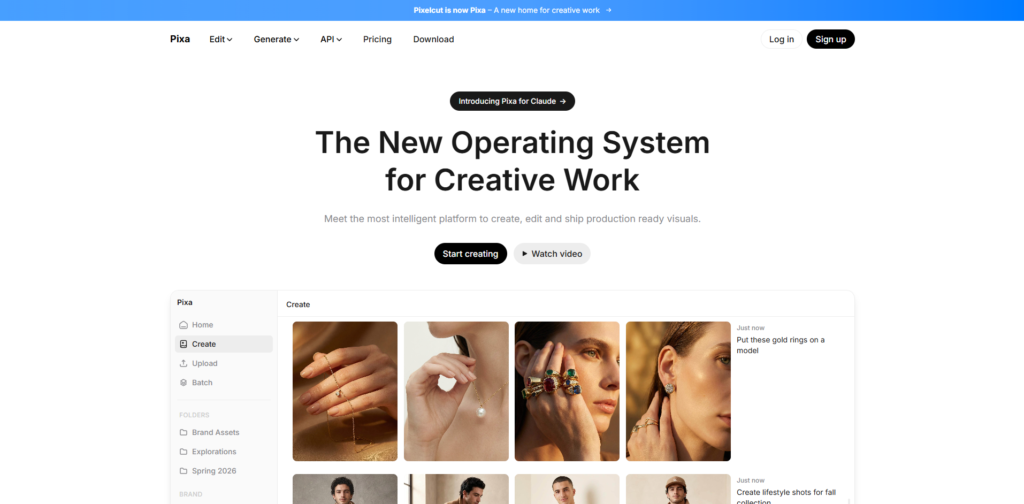
As the page loads, my attention is immediately pulled toward visual outputs rather than explanations. Large previews dominate the screen, showing what the product can produce instead of describing it.
The value proposition is not aggressively stated, but it becomes obvious through the examples. I find myself thinking more about what I can create rather than how the tool works. That shift is important because it lowers the mental barrier to entry.
The design feels modern and intentionally minimal. Typography stays out of the way, and spacing is used effectively so the visuals carry the experience. It creates a sense of clarity without oversimplifying the product.
You can explore Pixa here.
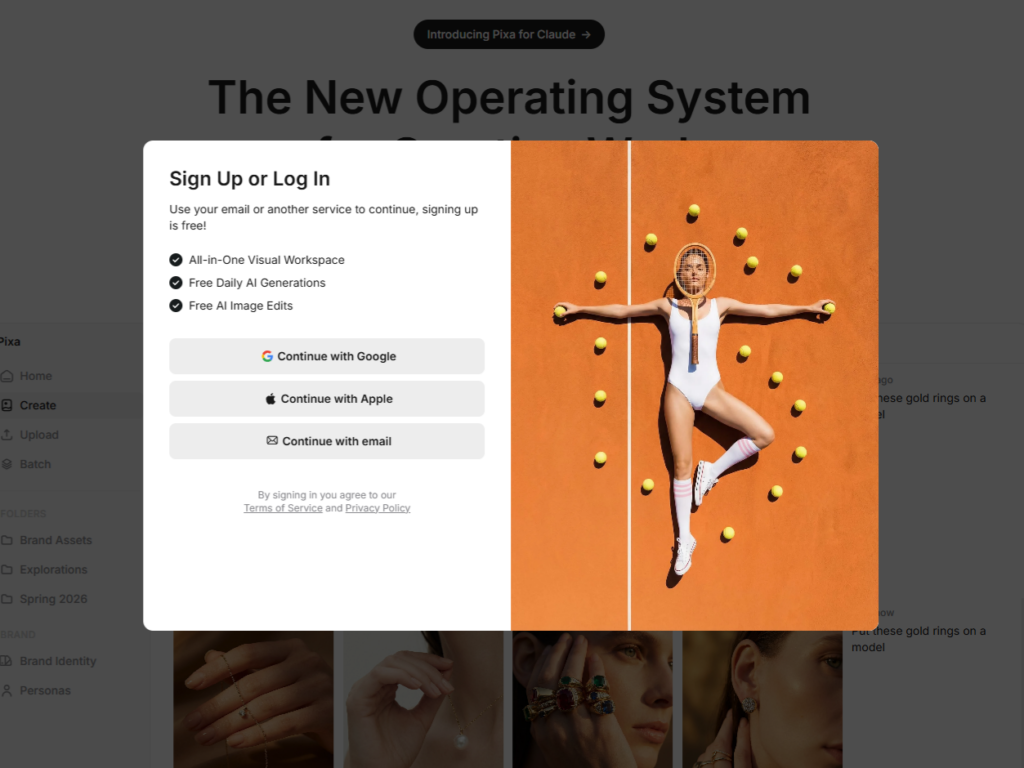
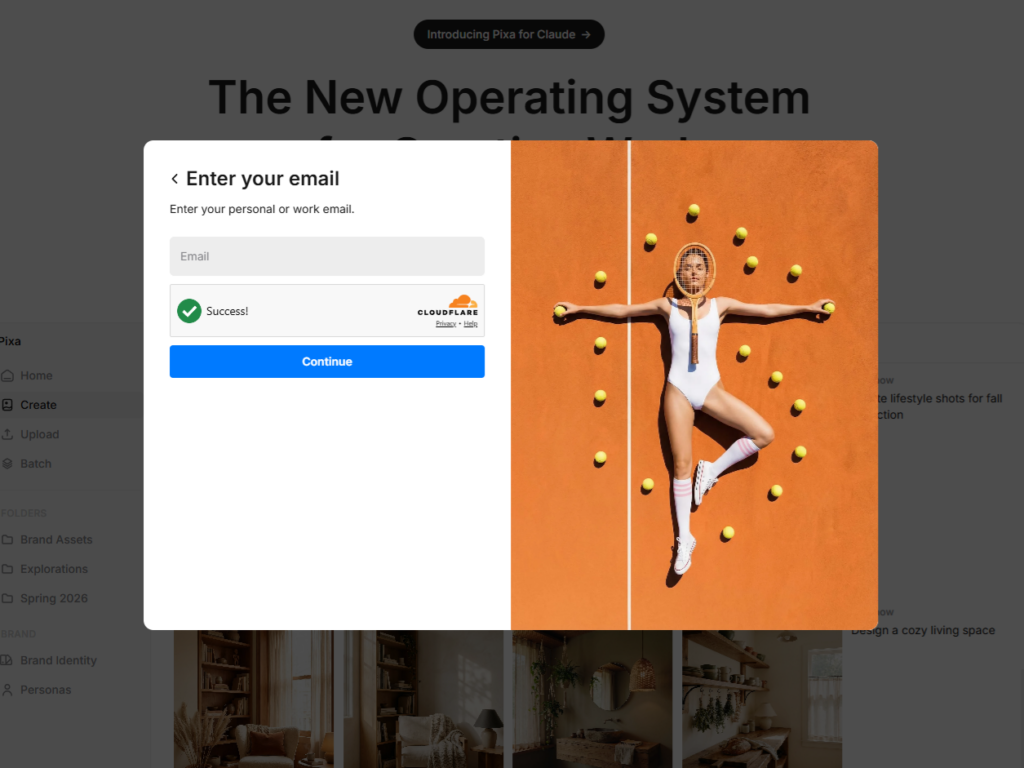
When I move toward signing up, the flow feels intentionally lightweight. There’s no sense of being forced through a long setup process.
I expect either a simple email login or a Google sign-in option, and that’s exactly the kind of pattern this type of product usually uses, fast authentication with minimal barriers.
Once I’m inside, I don’t get the sense that I’m being walked through a rigid onboarding tutorial. Instead, it feels more like I’m dropped into the product and nudged toward creating something right away.
There are likely subtle prompts or starter suggestions, but nothing that interrupts the flow. The philosophy here is clearly “start experimenting immediately.”
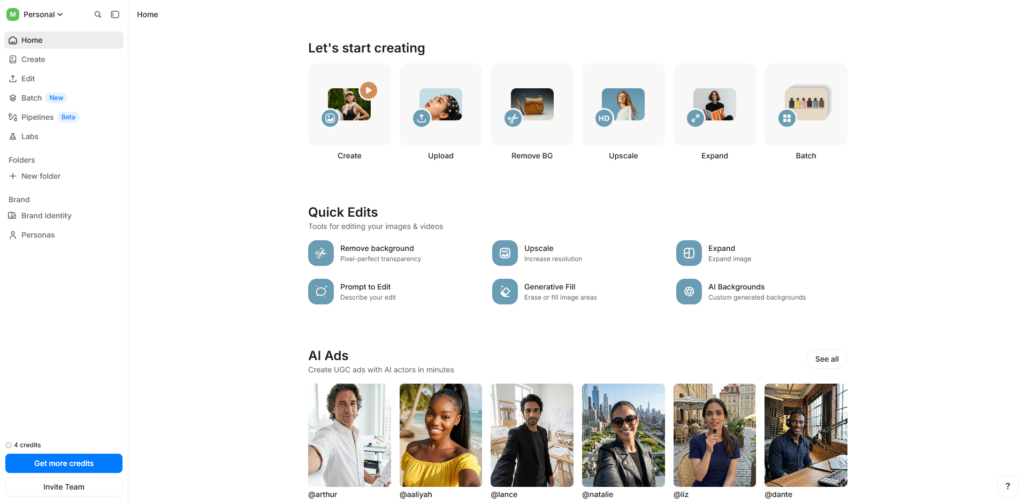
Once I’m in the main interface, I immediately look for where the “creation” happens. The layout feels Inside the main interface, the structure revolves around a central creation workspace. My focus is naturally drawn to the input area where prompts are entered and results are generated.
Navigation is minimal, which helps maintain focus. Instead of navigating through layers of menus, I move between creation, past outputs, and project views with very little friction.
As I continued interacting, I noticed how the interface avoids over-explaining itself. It relies on exploration rather than instruction, which makes the experience feel faster but assumes a certain level of user intuition.
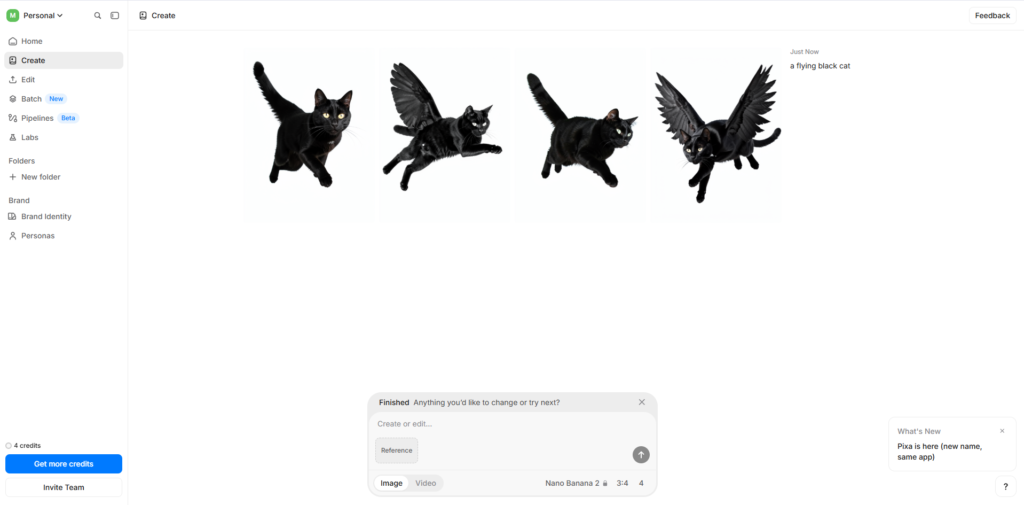
The first thing I tried was generating visuals using a prompt. I typed a simple description and within seconds, Pixa returned multiple outputs. The speed of this interaction stood out immediately because it allowed me to iterate without breaking focus.

After getting an initial result, I moved into refining it. Instead of starting over, I adjusted the prompt and regenerated variations. This created a loop where each output informed the next. The experience felt fluid, almost like sketching ideas rather than producing final assets.
There are moments where control feels limited compared to traditional design tools, especially when precision is needed. However, that tradeoff is clearly intentional in favor of speed and iteration.
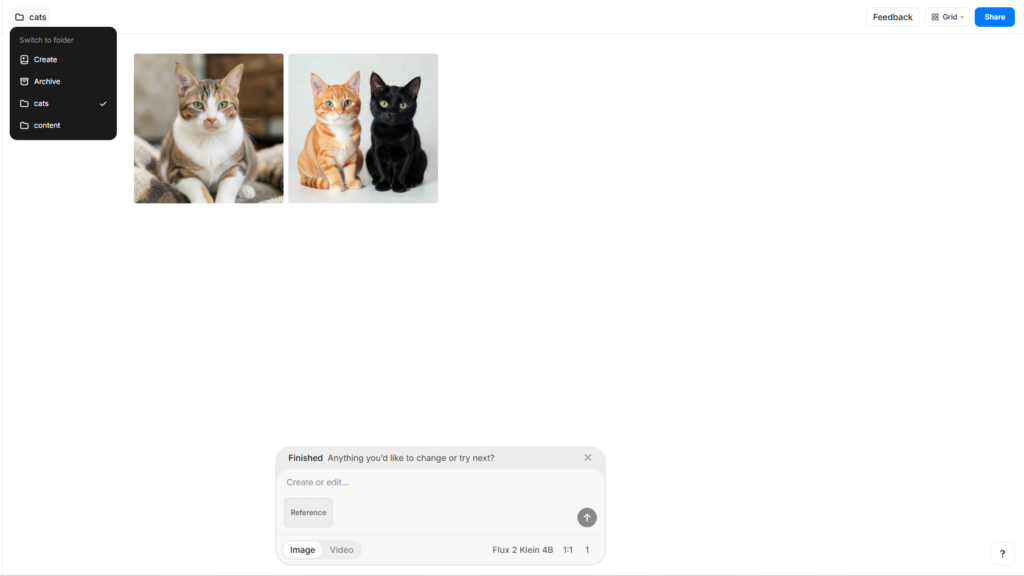
As I generated more visuals, I noticed that outputs were being stored and organized. This turns the product into more than just a generator. It becomes a workspace where ideas accumulate and can be revisited later.
From a UX standpoint, Pixa leans heavily into a prompt-first interaction model. Instead of exposing complex controls, it reduces the interface to a few high-impact actions. This lowers the learning curve significantly.
The system prioritizes visual feedback over text-based configuration. Every interaction results in something visible, which reinforces engagement and reduces uncertainty.
For designers, this highlights how much complexity can be abstracted behind simple inputs. For developers, the responsiveness suggests an architecture optimized for rapid processing and efficient handling of generation requests. The entire experience depends on maintaining fast feedback loops, and Pixa handles that well.
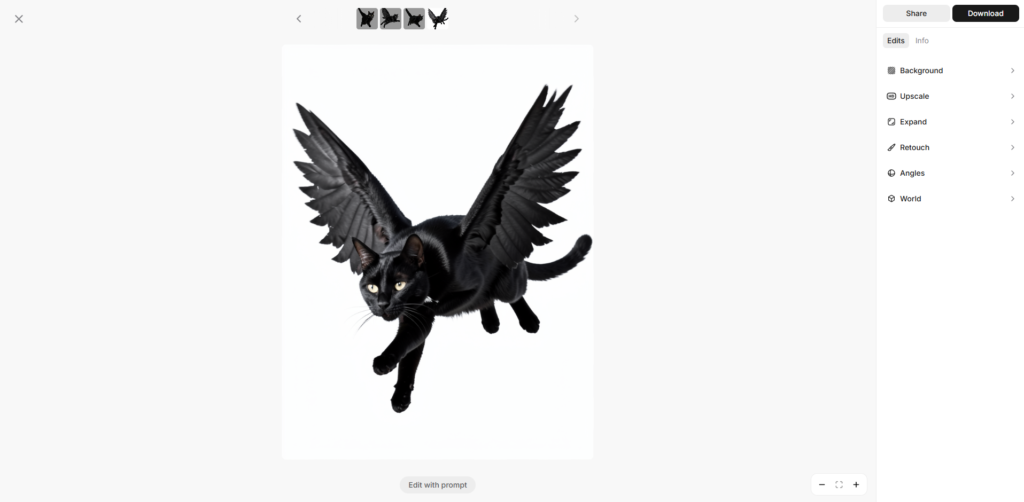
Pixa appears to rely on a modern frontend framework such as React or Next.js to deliver a responsive interface. The backend likely handles prompt orchestration and processing through services built with Node.js or Python.
Its core functionality suggests the use of diffusion-based AI models or APIs similar to those from OpenAI.
Infrastructure is likely supported by cloud platforms such as Amazon Web Services, enabling scalable asset storage and fast delivery through CDN systems.
There is minimal emphasis on the team within the product interface itself. This typically indicates a product-first approach where output quality is the primary driver of adoption.
From the experience, Pixa feels like it is built by a focused team operating in the AI creative tooling space. The product decisions suggest rapid iteration and a strong emphasis on usability over storytelling.
Pixa uses a subscription model combined with a credit-based system. There is a free entry point that allows limited access to core features such as basic editing and generation, which makes it easy to test the product without commitment.
The paid tiers scale based on monthly credits and feature access. The Pro plan sits at a lower price point and provides a moderate number of credits along with access to full tools and limited team collaboration. The Business tier increases both credit allocation and concurrency, allowing multiple generations to run simultaneously and supporting team-based workflows.
The credit system is tied directly to usage. More complex or higher-quality outputs consume more credits, while lighter operations use fewer. This creates a flexible pricing structure that scales with how intensively the product is used.
This pricing approach clearly signals a usage-based growth strategy. Instead of charging purely for access, Pixa monetizes based on output volume. This aligns well with creative workflows where usage can vary significantly between users. It also indicates a strong product-led growth model, where users are encouraged to start free, build dependency through frequent use, and naturally upgrade as their creative output increases.


Using Pixa feels like interacting with a system that prioritizes speed over control. The experience is centered around quickly turning ideas into visuals and refining them through iteration.
It works best for users who need rapid ideation and continuous output rather than precise, manual design control. The biggest strength is the feedback loop between input and result, which keeps the creative process moving without interruption.
While it may not replace traditional design tools for detailed work, it excels as a creative accelerator. For anyone working in fast-paced content or design environments, it is a tool that can significantly increase output and experimentation.

The Technology newsletter is a weekly digest of tech reviews, columns and headlines from Media Editor Mariebeth De Leus and RoadMap Founder Hoofar Pourzand.
Write to Hoofar at hpourzand@tryroadmap.com or Follow him here.