


Turn your data into insight. Let's start with a 40-hour Tableau proof-of-concept for $2,500. Send your brief →

Opening Lightpage for the first time feels like entering a calm, focused workspace for your thoughts. The product immediately positions itself as a personal AI journaling assistant that not only stores your notes but actively reflects on them, prompting insights and patterns. Designed for thinkers, writers, and knowledge workers, Lightpage makes journaling interactive. As I explored, I felt like it wasn’t just about writing, it was about having a thinking partner. The AI remembers prior notes, summarizes, and even nudges me to reflect deeper.

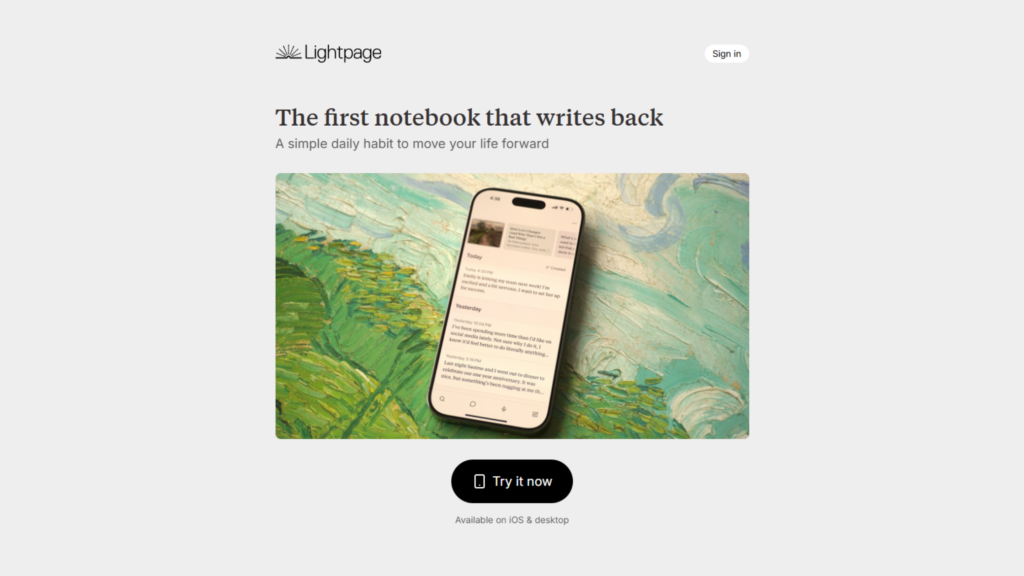
The Lightpage homepage is immediately welcoming. The value proposition “the first notebook that writes back” caught my eye and set clear expectations. The design is minimal but modern, with smooth animations and subtle prompts to explore the AI journaling features. Key highlights like daily insights, voice input, and AI memory are front and center, making it clear what the platform offers. As I scrolled, the messaging made me curious to try the product and see how it could actually respond to my thoughts.
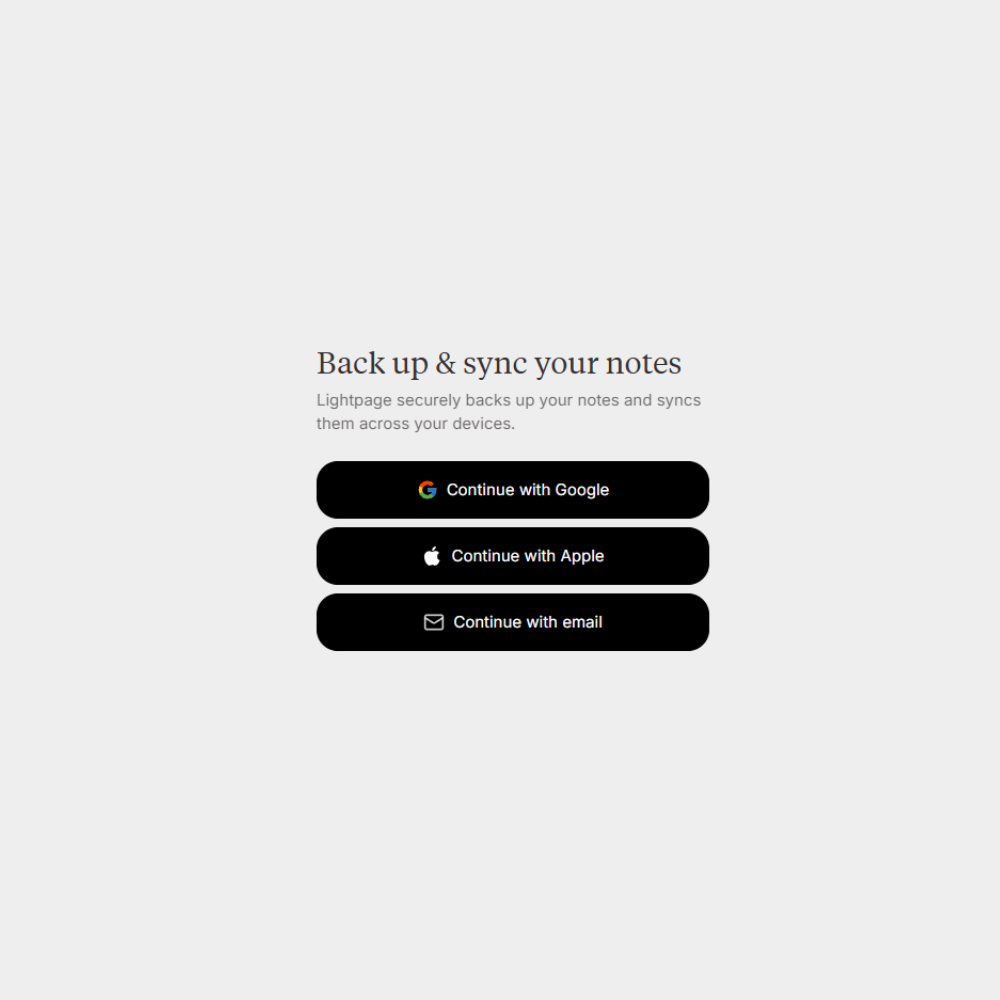
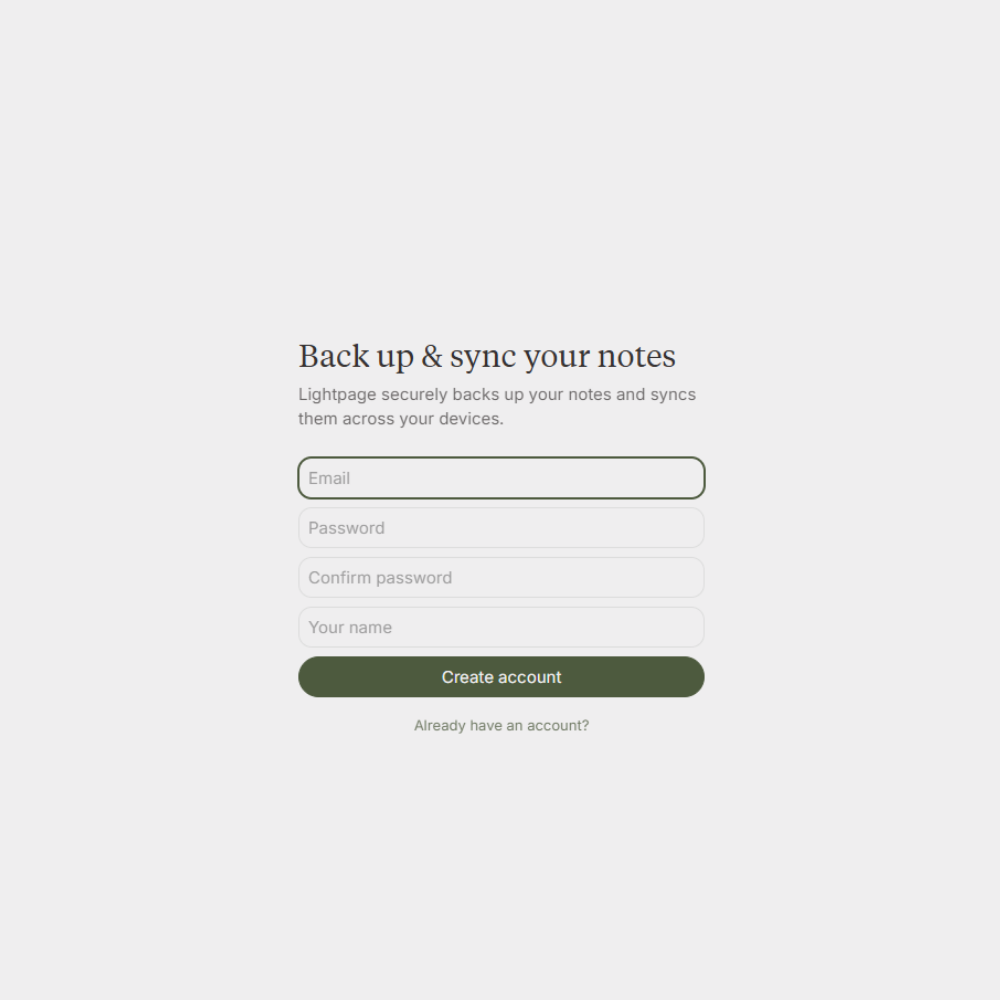
Signing up is fast and intuitive. I created an account with just my email and a password with no unnecessary steps. After login, the onboarding walks me through creating my first note, setting up daily prompts, and enabling voice dictation. The first note I typed was immediately analyzed by the AI, which offered suggestions for reflection and linked past entries I had written. For developers and designers, it’s interesting that even these onboarding steps are designed to show AI interactivity right away, highlighting the thought behind UX patterns.
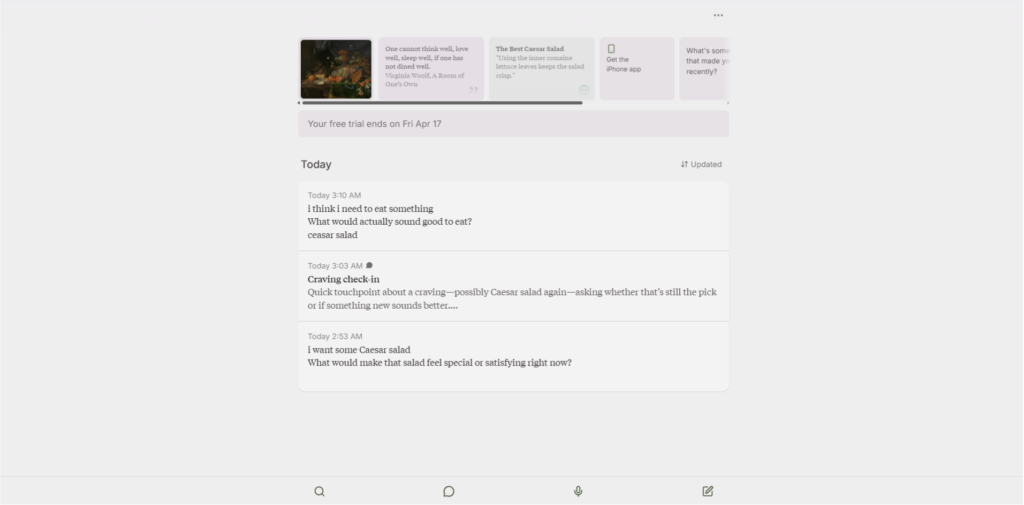
Once inside, Lightpage’s dashboard is a clean, distraction-free canvas. My recent notes appear on the main page, and daily inspirations in a card view on top. I was able to start a new note or voice dictation in a single click. Developers will notice the smooth transitions and subtle animations that make the app feel responsive and alive. The AI memory feature shows how past entries connect to new ideas, offering a persistent context that makes journaling feel like an ongoing conversation.
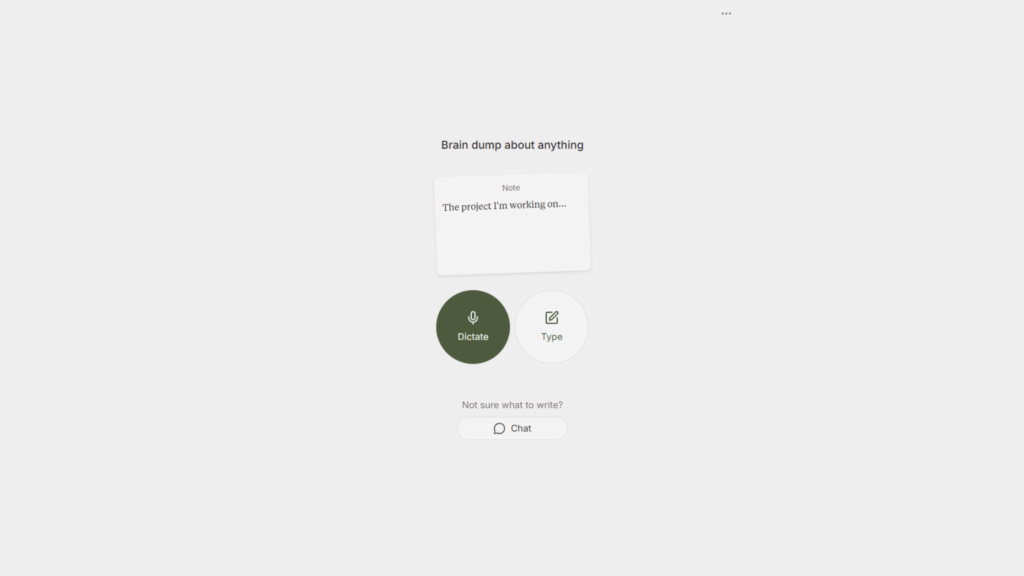
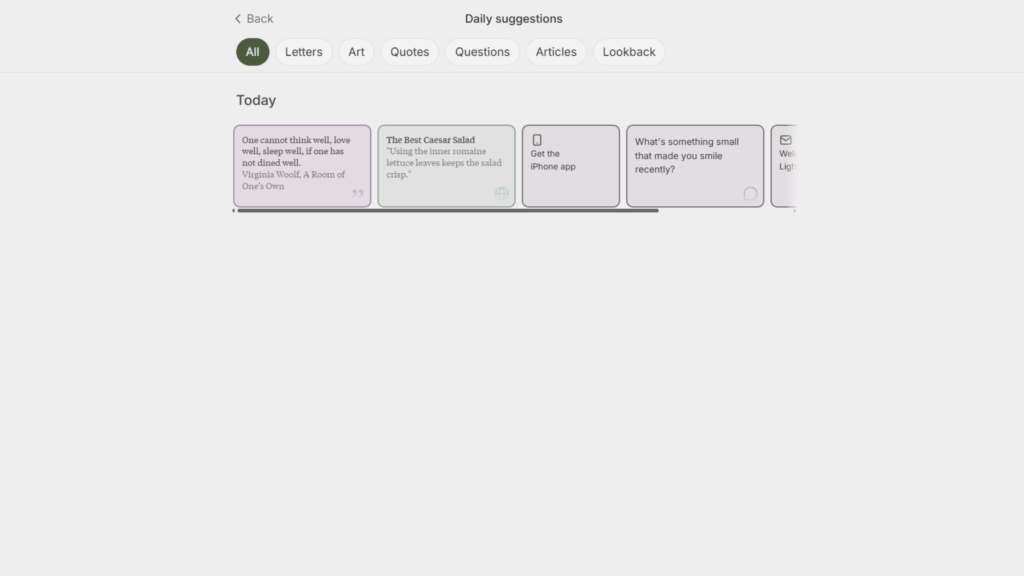
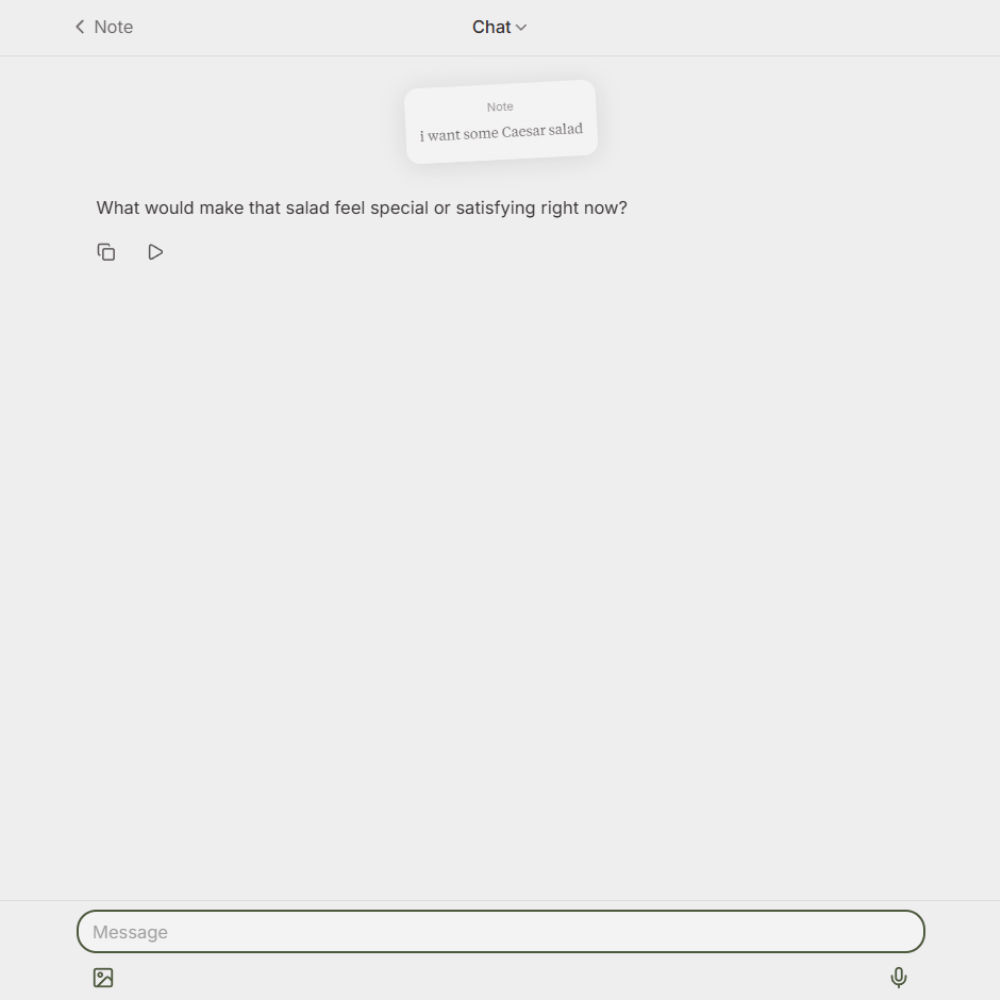
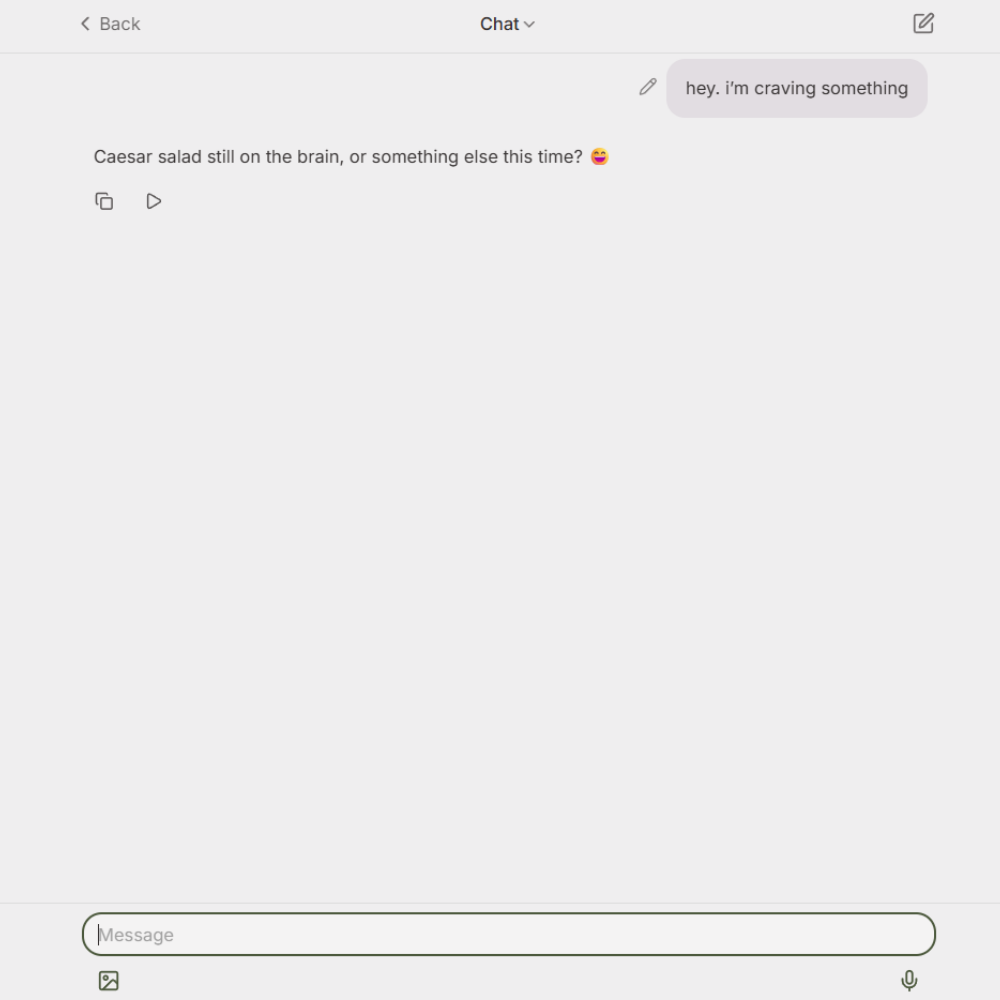
From a design perspective, Lightpage is impressive. Its minimal interface, subtle animations, and adaptive AI prompts demonstrate thoughtful UI/UX design. Developers will appreciate the structured data handling—notes are stored and retrieved efficiently, AI prompts are contextual, and voice input integrates smoothly. Designers might take cues from the calming color palette, whitespace, and gentle micro interactions that reduce cognitive load while engaging users deeply.
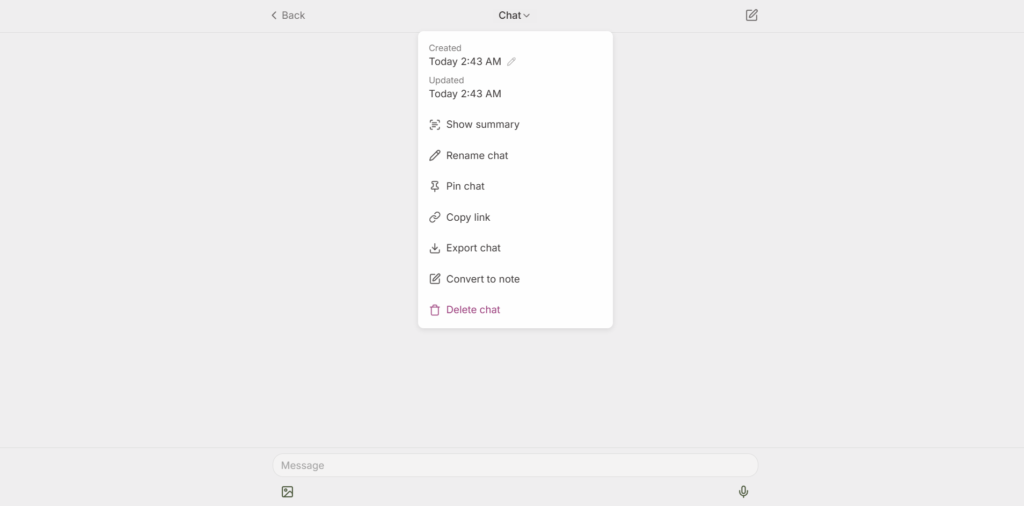
Lightpage is likely built with React for a dynamic web experience and Swift/React Native for mobile apps. The backend probably uses Node.js or Python to handle AI requests and real-time data sync, with cloud hosting on AWS for scalability and persistence. AI features are powered by large language models (OpenAI or similar), enabling the reflective journaling and summarization functionality. This stack allows Lightpage to deliver fast, interactive, and context-aware AI responses across platforms
Lightpage is created by a small but dedicated team led by Kasra Kyanzadeh, focused on building a journaling tool that combines human reflection with AI intelligence. They’ve been developing the platform for several years, continuously refining its AI memory and interaction flows. A fun fact: the team treats the product as a “living notebook”, even their internal design and development processes are journaled in Lightpage, showing they truly use what they build.
Using Lightpage feels like journaling with a thoughtful partner who remembers everything. It’s ideal for anyone looking to build a daily reflection habit, capture insights from ongoing projects, or explore their own thinking patterns. With AI memory, voice dictation, and interactive prompts, Lightpage stands out from traditional note-taking apps by providing continuous insight and engagement rather than passive storage.