

Turn your data into insight. Let's start with a 40-hour Tableau proof-of-concept for $2,500. Send your brief →
Sync.so is an AI-powered video tool focused on one very specific but high-impact capability: lip-syncing video to any audio or text. Instead of traditional video editing or dubbing workflows, it uses AI to regenerate mouth movements so they perfectly match new dialogue in any language.
From the moment I explored it, it felt like a tool built for serious creators, agencies, and developers. This is not just about editing videos; it is about transforming them. Whether you are localizing content, fixing dialogue after filming, or scaling personalized videos, Sync is positioned as infrastructure for video workflows, not just a creative tool.
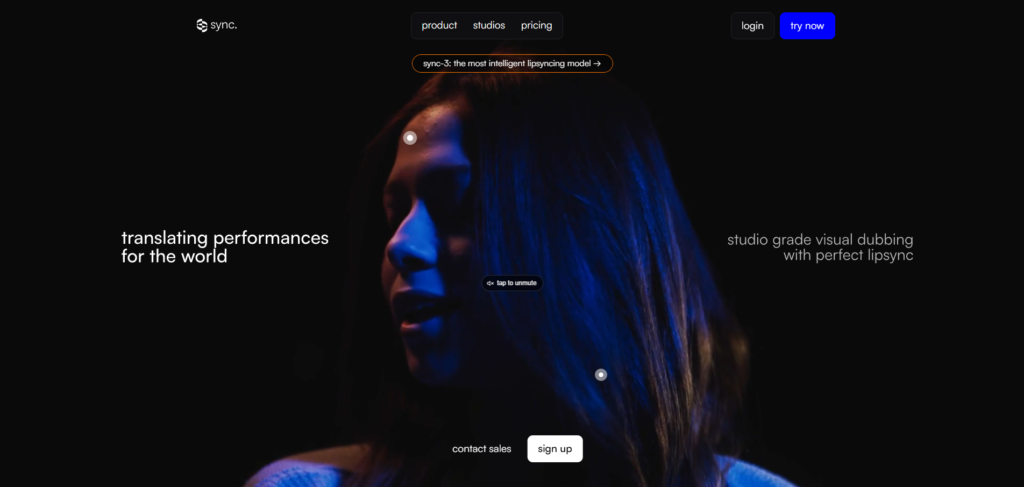
The landing page communicates its purpose immediately. The focus is heavily on realistic lip sync and AI-driven video transformation. There is no ambiguity about what the product does.
What stood out first is how technical the positioning feels compared to most AI tools. Instead of simplifying the concept too much, it leans into production-grade language and emphasizes quality, realism, and scalability.
The design itself is clean but functional. It feels closer to developer infrastructure than a consumer-facing creative app, which aligns with its target audience. Within seconds, it becomes clear that this is a tool designed for real production use rather than casual experimentation.
You can explore Sync here.
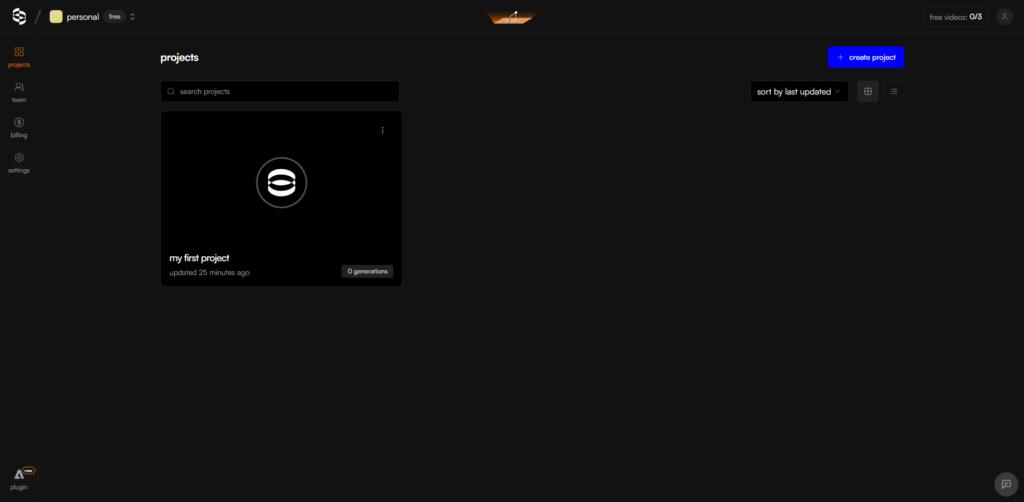
The onboarding flow feels closer to a developer tool than a traditional SaaS product. After creating an account, I am immediately given access to a studio environment and API key options.
The process is straightforward. I upload a video, provide audio or text input, and select a processing model. The system then generates a synchronized output. There is very little guidance in the form of tutorials, which reinforces the assumption that users already understand video workflows.
Time to first value is fast once the workflow is understood, but the lack of guided onboarding means beginners may need a few minutes of exploration before they become comfortable with the process.

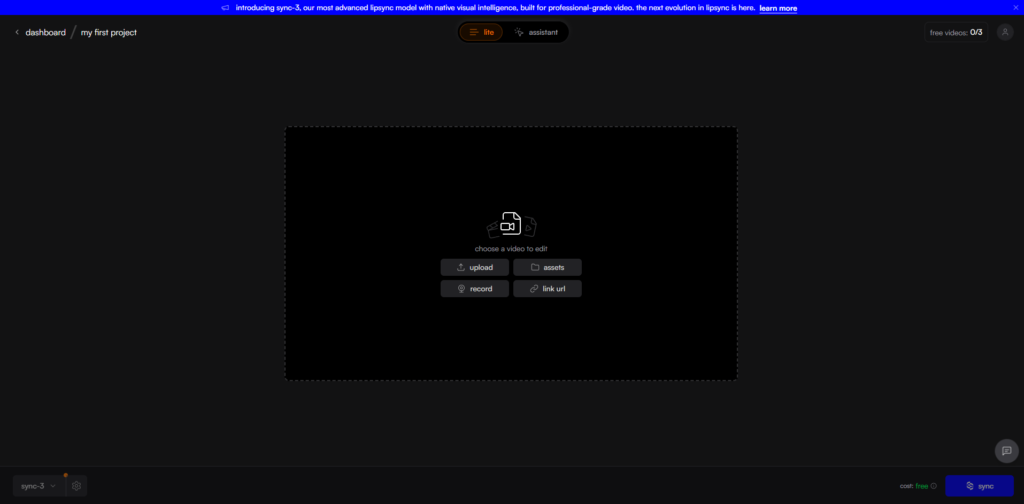
Inside the platform, the interface is structured around a simple processing pipeline. I start by uploading a video, then providing audio input or text, selecting a model, and generating output.
The layout is intentionally minimal. There is no clutter or unnecessary navigation. Everything is focused on execution rather than exploration.
As I interacted with it, the most noticeable aspect was how clearly the workflow is defined. It feels less like editing and more like submitting a task to a processing system and reviewing the result once it is complete.
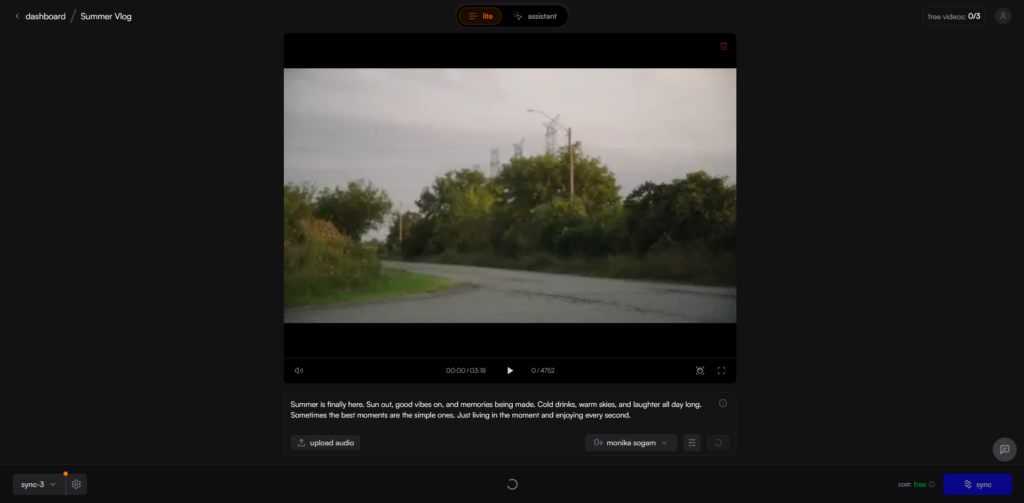
The core feature is the AI lip sync engine. I tested it by replacing the original audio of a talking video with new speech. The system reconstructed mouth movements so they aligned naturally with the new audio. Even across different languages, the synchronization remained visually convincing.
This capability directly solves one of the biggest limitations in traditional dubbing, were visual mismatch breaks realism. Here, the speaker’s face remains consistent while the spoken content changes completely.

Another major capability is video dubbing and localization. This allows a single piece of content to be adapted into multiple languages while preserving identity and expression. From a production standpoint, this dramatically reduces the need for reshoots.

The third layer is API-based scalability. The platform supports automated workflows, batch processing, and integration through SDKs. This shifts the product from a standalone tool into infrastructure that can be embedded into larger systems. It becomes clear that Sync is designed not just for creators, but for platforms building video generation pipelines.
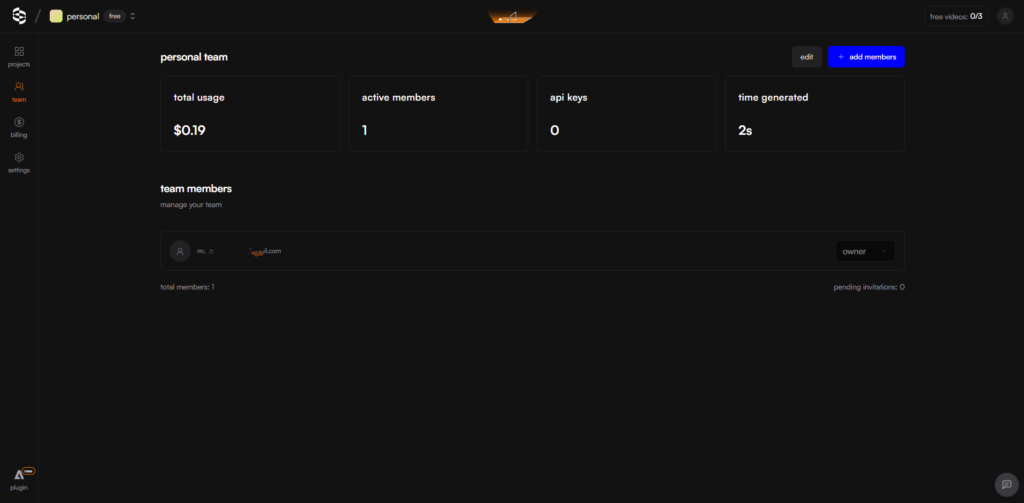
From a UX perspective, Sync is built entirely around a pipeline model. Input is provided, processing happens in the background, and output is delivered once ready. There is no exploratory interface layer.
For designers, this is an example of removing unnecessary surface complexity in favor of functional clarity. The interface is not trying to engage the user visually; it is designed to get tasks completed efficiently.
For developers, the architecture signals an API-first system built for scale. The combination of batch processing, model selection, and integration support suggests a backend optimized for high-volume video computation rather than individual use cases.
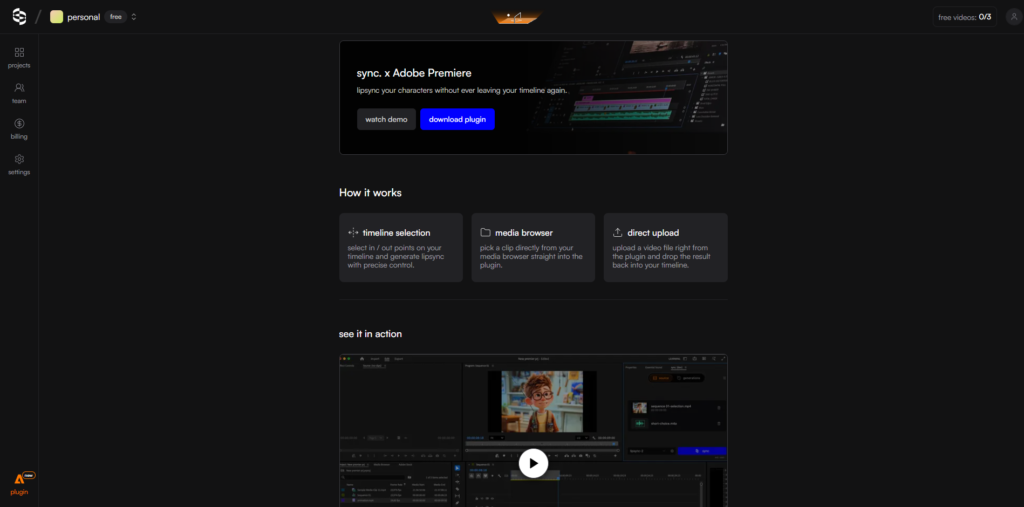
Sync likely uses a modern frontend framework such as React to handle its web interface and studio environment. The backend is likely built on high-performance systems using Python or similar for AI processing and video pipeline orchestration.
Its core models are proprietary lip-sync systems developed by Sync Labs, including iterative versions designed specifically for facial motion alignment.
Infrastructure is likely deployed on scalable cloud platforms such as Amazon Web Services, optimized for compute-heavy video rendering and real-time processing workflows.
Sync.so is developed by Sync Labs, a research-driven team focused on advancing AI video generation technology.
The company is known for its roots in models like Wav2Lip and has been supported by major early-stage investors, including participation in Y Combinator.
The overall direction of the product reflects a clear mission: making video as editable and programmable as text. This explains why the interface prioritizes systems and pipelines over traditional editing tools.
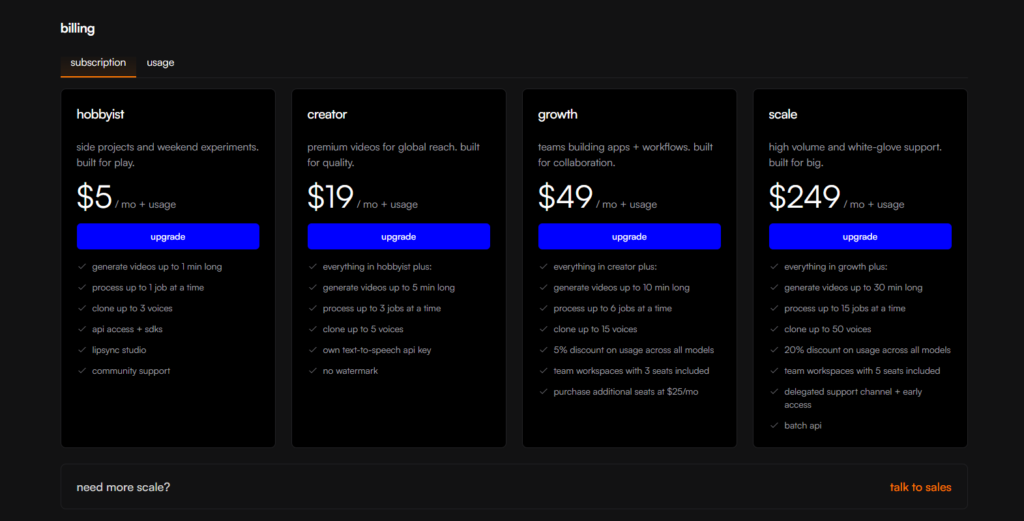
Sync.so uses a hybrid pricing model combining subscriptions with usage-based billing. Entry-level plans start at low monthly pricing for individual creators, while higher tiers scale up based on volume, speed, and access to advanced models.
In addition to subscription tiers, pricing is also tied to video processing duration, meaning cost increases based on how many seconds of video are generated or transformed. This creates a direct relationship between usage intensity and cost.
A free trial is available, allowing limited generations before committing to a paid plan.
This structure clearly indicates a product-led growth strategy built around usage expansion. Instead of selling access alone, Sync monetizes compute and scale. This positions the product closer to infrastructure pricing rather than traditional SaaS licensing. It also signals that the target audience is expected to grow usage over time, moving from experimentation to production workloads.
Using Sync.so feels less like editing video and more like defining transformations that are executed by a system. The product is best suited for creators, agencies, and developers who need scalable video workflows rather than manual editing control.
The strongest aspect is the realism of the lip sync combined with its ability to scale across languages and large video batches. It turns video editing into a programmable process rather than a manual one.
There are tradeoffs, particularly in accessibility for beginners and the cost scaling with usage, but these are expected given its positioning as production infrastructure.
Overall, Sync represents a shift toward treating video as programmable data rather than static media.

The Technology newsletter is a weekly digest of tech reviews, columns and headlines from Media Editor Mariebeth De Leus and RoadMap Founder Hoofar Pourzand.
Write to Hoofar at hpourzand@tryroadmap.com or Follow him here.